Enterprise Receipt Lookup: Find or Recover Your Rental Receipt
Ready to create your own? Use our free receipt generator — no account needed.
Generate Enterprise Receipt →On this page
Enterprise makes lost receipts easy to recover — there's a Get a Receipt tool on enterprise.com, branches email receipts after return, and Enterprise Plus accounts keep trip history. Here's every method, plus what to do when none of them work.
Quick Answer
Go to enterprise.com → Get a Receipt (under Customer Support). Enter your last name and confirmation or rental agreement number — then print or save the receipt as a PDF. No account needed.
If the lookup can't find your rental, you can also use the Enterprise Receipt Generator to recreate a clean personal backup with your verified rental details while you request the official copy.
Method 1: Enterprise Online Receipt Lookup (Fastest)
- Open enterprise.com and find Get a Receipt under Customer Support.
- Enter the renter's last name.
- Enter the confirmation number from your booking email or the rental agreement number from your pickup paperwork.
- View, print, or save the receipt as a PDF.
This works for completed rentals including third-party bookings, as long as you have the rental agreement number.
Method 2: Enterprise Plus Account History
Enterprise Plus members can sign in on enterprise.com or the app:
- Past trips are listed with receipts attached.
- The best option when you've lost both the email and the paperwork, since trips are tied to your membership automatically.
Method 3: Call the Renting Branch
Enterprise is branch-based, which actually helps here:
- The local branch you rented from keeps the rental record. Call with your name and approximate dates and they can re-send the receipt by email.
- For corporate rentals, your company's account manager or travel desk can also pull receipts.
Reading an Enterprise Receipt
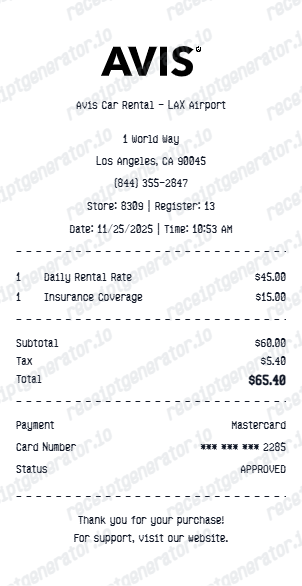
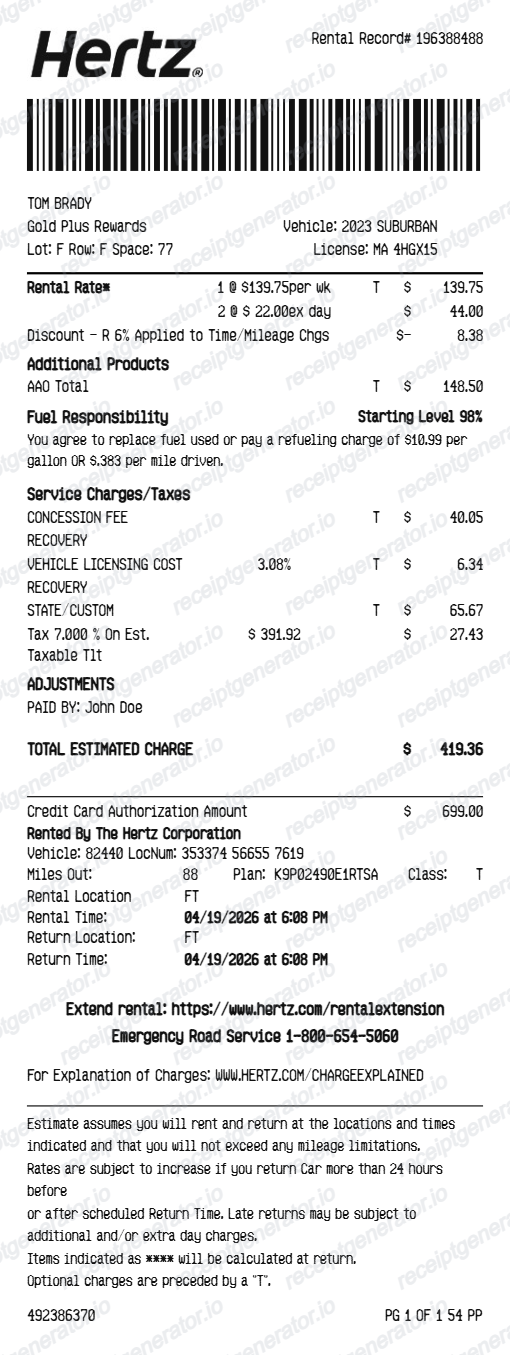
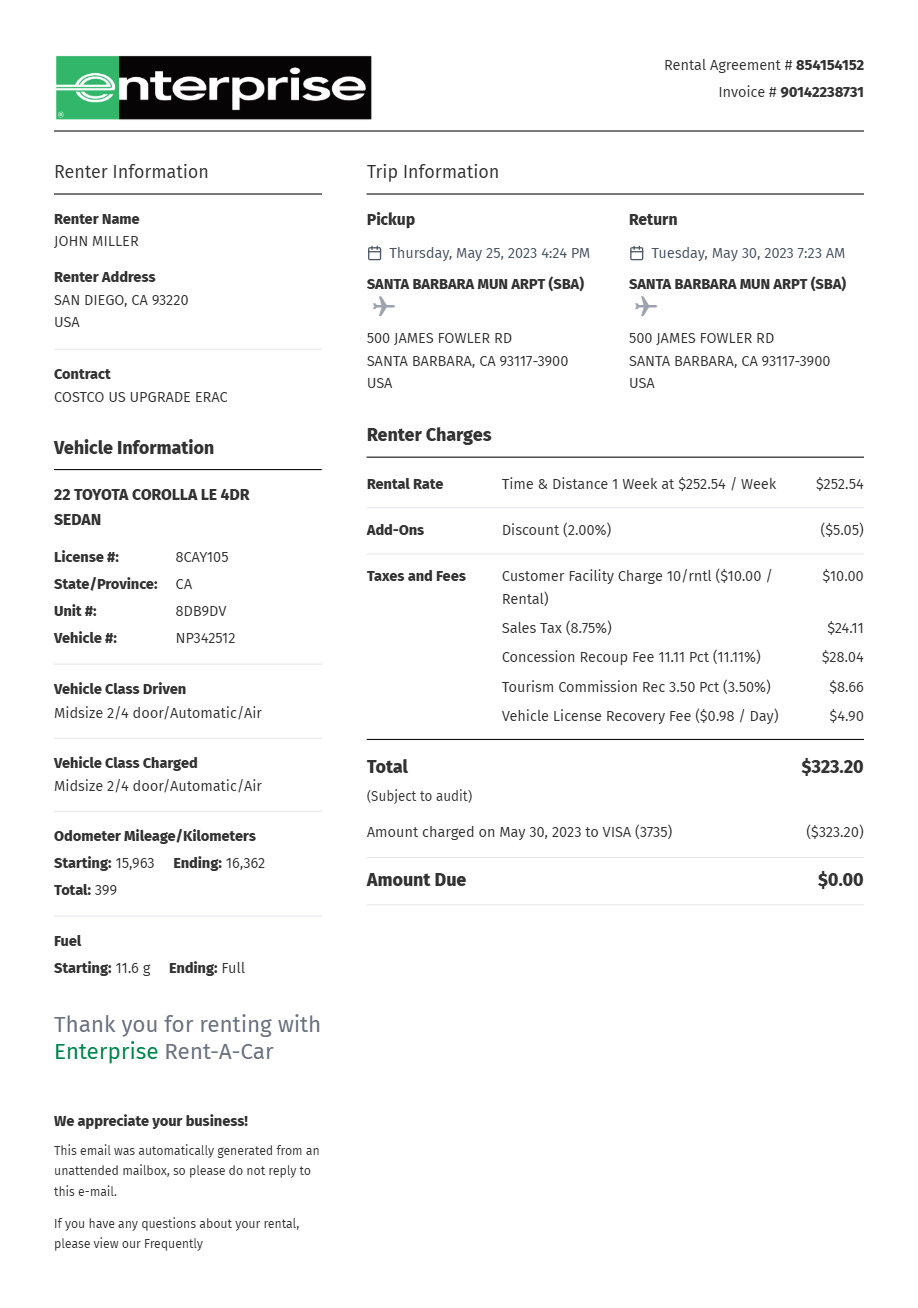
An Enterprise receipt itemizes:
- Daily/weekly rate — base time charges
- Taxes and surcharges — sales tax, vehicle license recovery, airport fees where applicable
- Optional coverage — damage waiver, supplemental liability, roadside assistance
- Extras — additional driver, child seats, fuel service
- Payment summary — card brand, last four digits, total charged
Verify the rental agreement number, branch locations, and dates match your trip before submitting it — those are the fields expense reviewers check first.
Enterprise Receipt for Expense Reports
Card statements show one bundled total; expense systems want the itemized breakdown. The Enterprise receipt separates taxes and optional coverage, which matters when your company reimburses the base rate but not personal add-ons like coverage upgrades.
When You Can't Recover the Original
- Ask the renting branch or Enterprise customer service for a copy — branch re-sends are usually same-day.
- Meanwhile, recreate the rental in the Enterprise receipt template with the dates, branches, and amounts from your statement — a clean PDF for your personal records.
- Replace it with the official receipt if your finance team requires the original.
Related Guides
- Rental Car Receipt Lookup — the general process across all rental brands
- Lost Rental Car Receipt — recovery steps when lookups fail
- Rental Car Receipt for Reimbursement — what finance teams check
FAQ
Use the Get a Receipt tool on enterprise.com (under Customer Support). Enter your last name plus your confirmation or rental agreement number to pull up the receipt.
Enterprise Plus members can also sign in and view past trips with receipts in their account.
The renter's last name and the confirmation number from your booking email, or the rental agreement number from your pickup paperwork.
You don't need an Enterprise account to use the lookup tool.
Charges are finalized at check-in, and Enterprise typically emails the receipt shortly after return. The online lookup has it available around the same time.
If the rental still shows open, the branch may not have processed the return — call the return branch directly.
Yes — use the Enterprise rental agreement number from your pickup paperwork. Third-party booking confirmations don't always match, but the rental agreement number does.
Yes. Enterprise receipts itemize the daily rate, taxes, surcharges, and optional coverage — the breakdown expense systems require.
If you can't recover the original quickly, you can recreate the details in a clean rental receipt PDF as a personal backup while requesting the official copy.
The online tool covers recent completed rentals. For older trips, Enterprise Plus members can check account history, or contact the renting branch — local branches keep rental records and can re-send receipts.