Free Depop Receipt Generator
Create Free Depop Purchase Receipts Online - Add Item, Seller & Order Details. Download PDF Instantly.
Create a Depop-style receipt with item details, seller name, order ID, fees, and payment. Download a PDF for records or purchase documentation.

Choose
Depop Receipt selected

Customize
Fill in your details

Download
Save or share receipt
Edit the details once and the preview updates instantly.
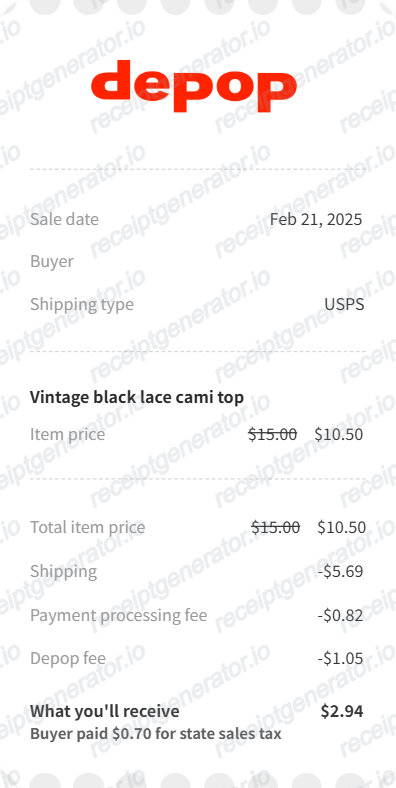
Quick summary
Depop receipt template overview
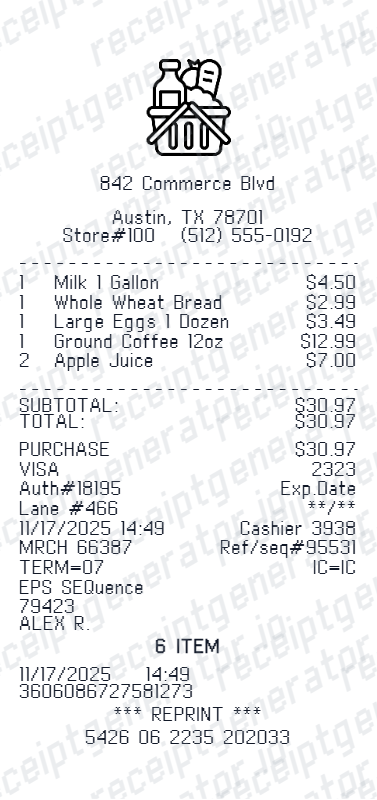
Use this Depop receipt generator to create authentic itemized receipts with editable products, tax calculations in $, and printable PDF export.
What Is on a Real Depop Receipt?
Depop is a peer-to-peer resale app, so a real Depop receipt is an in-app order confirmation between a buyer and an individual seller, not a store receipt. Its exact contents depend on how the purchase was paid for.
Buyer and seller usernames, not company names
Because Depop is peer-to-peer, receipts show the buyer's and seller's Depop usernames instead of a business or brand name - the seller is an individual, not Depop itself.
Depop Payments generates an in-app order confirmation
Purchases made through Depop Payments (Depop's built-in checkout) get an order number and an in-app order confirmation/receipt visible under Purchases, plus a confirmation email.
Older PayPal purchases show up differently
Before Depop Payments became standard, buyers paid sellers directly through PayPal. Those purchases produce a PayPal transaction receipt rather than a Depop-branded order confirmation, so the paper trail lives in PayPal, not the Depop app.
Buyer Protection / marketplace fee line
Depop adds a Buyer Protection (marketplace) fee to checkout in addition to the item price and shipping, and this appears as its own line rather than being folded into the item price.
Items listed as used with condition notes
Since Depop is largely a secondhand and vintage marketplace, listings and receipts typically describe the item's condition (for example, 'good used condition' or noted flaws) rather than presenting it as new.
Depop is not the seller of record
Depop hosts the transaction but does not own or sell the inventory - individual sellers do. That means Depop itself cannot vouch for an item's authenticity; it only facilitates the payment and provides buyer protection for disputes.
Print-ready Depop fashion marketplace receipts
Edit the layout, watch it update live, then print, download PDF, or email.
Live Depop receipt preview
Watch the receipt update as you enter item and seller details.
One-click print
Print your Depop receipt from the browser.
Download as PDF
Export a clean fashion marketplace receipt PDF.
Mobile-friendly editor
Create Depop receipts from any device.
Get Your Original Depop Receipt First
If the order still exists, the original is always better: open the Depop app, go to your Purchases tab, and select the order to view its order confirmation, or search your email for the confirmation Depop sent at checkout. If you paid an older seller directly through PayPal instead of Depop Payments, check your PayPal transaction history instead - that purchase will not appear as a Depop-branded receipt. Use this template when the original is unavailable - a deleted listing, an old account, or a purchase made by someone else.
Fashion buy documentation
Record Depop purchases with seller, item, and fee details.
Seller income records
Create payout receipts for Depop sales with commission and net payout details.
Vintage wardrobe tracking
Document vintage and secondhand fashion purchases for collection records.
Depop Receipt Types
Choose the Depop receipt format for your transaction type.
Depop Buyer Receipt
Depop purchase receipt with item details, seller, Depop fee, and payment.
Depop Seller Payout Receipt
Seller receipt with sale price, Depop commission, and net payout for income tracking.
Related Guides
Explore related guides to understand the receipt details, lookup steps, and documentation workflows.
Depop Receipt for Resale: What You Need to Know
Learn what a Depop receipt includes, how to get your order confirmation, and how to document Depop purchases for sneaker and streetwear purchase records.
Explore Depop Receipt for Resale: What You Need to KnowUnderstanding the Depop Buyer Protection Fee
A breakdown of what the Depop buyer protection fee covers, how it's calculated, and when it appears on your receipt.
Explore Understanding the Depop Buyer Protection FeeDepop vs eBay Receipts: What's Different?
A side-by-side comparison of how Depop and eBay format their purchase receipts, including fees, seller identification, and tracking.
Explore Depop vs eBay Receipts: What's Different?How to Find Your Depop Purchase Receipt
Where to locate your Depop order confirmation in the app and your email inbox, including how to export it as a PDF.
Explore How to Find Your Depop Purchase ReceiptRelated Other Receipt Templates
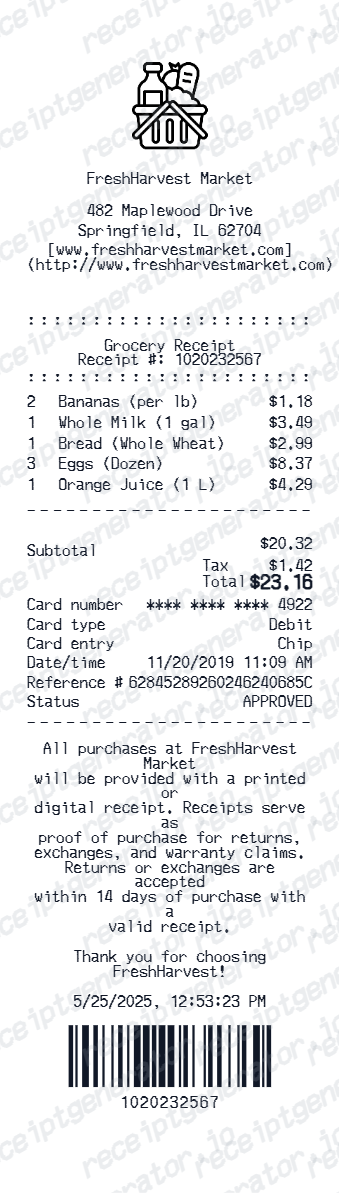
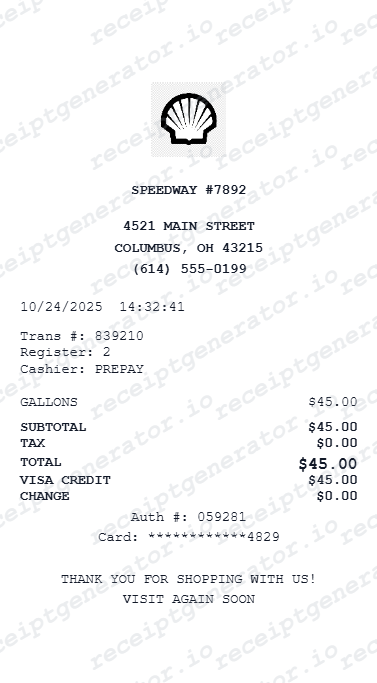
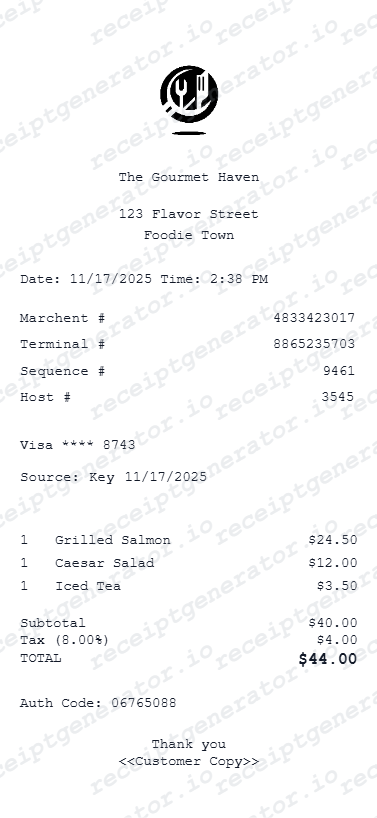
More free receipt templates for luxury brand and retail expense records.
Depop Receipt FAQ - Fashion purchase documentation & Purchase Records
Learn how to create Depop receipts with seller details, order ID, fees, and PDF export for fashion purchase and purchase documentation.
Choose the Depop receipt template, add item name, seller username, order ID, Depop fee, shipping, and payment details. Preview and download as PDF.
Open the Depop app and go to your Purchases tab, then select the order to view its order confirmation and details. You can also search your email inbox for the order confirmation Depop sent at checkout. If the item was paid for directly through PayPal rather than Depop Payments, look up the transaction in your PayPal account instead.
No. A Depop receipt only proves that a transaction happened between two Depop users - it does not verify that the item itself is authentic. Depop is a peer-to-peer marketplace and is not the seller of record, so it cannot vouch for an individual seller's item. Authenticity has to be judged by examining the item itself, ideally by a qualified authenticator.
Both. You can use these templates for reimbursements, bookkeeping prep, and internal documentation workflows.
Yes. The generator works on mobile and desktop so you can edit details, preview changes, and export from either device.
Yes. Create seller receipts with sale price, Depop commission, payment processing fee, and net payout for income tracking.
A real Depop order confirmation shows the buyer's and seller's usernames rather than company names, an order number, the item listed with its condition notes, the item price, a Buyer Protection (marketplace) fee, shipping, and the total. Purchases paid through PayPal instead of Depop Payments appear as a PayPal receipt rather than a Depop-branded one.
Add the store name, purchase date, line items, totals, tax, payment method, and any optional notes you need on your Free Depop template.
This tool creates an editable Free Depop style layout for documentation. It is not issued by the original merchant or brand system.
Free previews may include limited export options depending on your plan. Check pricing for watermark-free and premium export access.
Receipt Generator · Receipt Maker · 300+ Free Templates
Create your Depop receipt
Use the editable Depop receipt generator to add items, tax totals, and payment details, then export a clean PDF.