Free Cafe Thermal Receipt Generator
Create Free Cafe & Coffee Shop POS Receipts Online - Add Drinks, Food & Totals. Print or Download Instantly.
Create a cafe thermal receipt with coffee shop name, barista, drink and food items, tax, and total. Print or download for any cafe, coffee shop, or bakery.

Choose
Cafe Thermal Receipt selected

Customize
Fill in your details

Download
Save or share receipt
Edit the details once and the preview updates instantly.
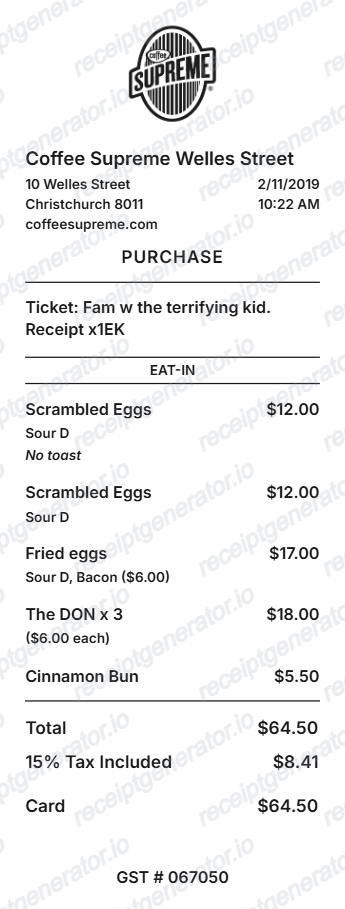
Quick summary
Cafe Thermal receipt template overview
Use this Cafe Thermal receipt generator to create authentic itemized receipts with editable products, tax calculations in $, and printable PDF export.
What Is on a Real Cafe Thermal Receipt?
Before you rebuild a cafe receipt, it helps to know what the physical slip and its paper actually look like. Cafe POS receipts follow a standard thermal-printer format, and a credible replacement copy should match both the layout and the paper's real-world quirks.
80mm is the standard receipt width
Most cafe and coffee shop POS printers use 80mm (3 1/8 inch) thermal paper - the same size used across retail and hospitality generally. Compact card-reader setups sometimes print narrower 57mm slips instead, so a mobile pop-up stand's receipt can look noticeably thinner than a full countertop till's.
No ink - the paper is heat-sensitive
Thermal receipts are not printed with ink or toner. The paper is coated with a heat-reactive layer that darkens where the print head touches it, which is why cafe receipts are printed instantly with no cartridge and feel slightly waxy or glossy.
BPA-free paper is now common
Older thermal paper used BPA (or BPA-A) as the coating developer, which raised handling concerns for baristas touching receipts all day. Most paper suppliers now sell BPA-free or phenol-free rolls, and many independent cafes specifically stock these for staff and customer safety.
Thermal print fades over time
Because the image is heat-formed rather than inked, cafe receipts fade with heat, sunlight, and friction exposure - a receipt kept in a wallet or car can become unreadable within months, while one stored flat in a cool, dry place can stay legible for years.
Drink customization on one line
Cafe POS systems typically print size, milk type, and syrup or shot modifiers on a single item line (e.g. 'Large Oat Latte, 2 Shots') rather than as separate charges, since most customizations are bundled into the drink's price tier.
Barista or register ID, not just a total
Independent cafes commonly print the barista's name or a till/register number near the header, alongside the order number - useful for matching a receipt back to a specific shift or transaction when reviewing sales records.
Print-ready cafe and coffee shop thermal receipts
Edit the layout, watch it update live, then print, download PDF, or email.
Live cafe receipt preview
Watch the receipt update as you add drinks, food, and cafe details.
One-click print
Print your cafe receipt directly from the browser.
Download as PDF
Export a clean cafe thermal receipt PDF.
Mobile-friendly editor
Create cafe receipts from any device.
Get Your Original Cafe Receipt First
If you still have the physical slip or a POS-emailed copy, the original is always better: most modern cafe card readers (Square, Toast, Clover, and similar) can text or email a digital copy of a receipt at checkout, and some POS systems let staff reprint a receipt from the order history if you ask at the counter. Use this template when the original is unavailable - a faded or lost paper slip, a cash purchase with no digital copy, or a receipt from a till without reprint access.
Coffee shop receipts
Issue thermal receipts for espresso, latte, and drink orders at independent cafes.
Bakery and pastry receipts
Generate receipts for bakery and cafe combined food and drink orders.
Market coffee stall
Create professional receipts for pop-up coffee stalls and market vendors.
Tea room receipts
Issue thermal receipts for tea room and specialty tea shop orders.
Cafe Thermal Receipt Types
Choose the cafe receipt format for your coffee shop type.
Coffee Shop Drink Receipt
Cafe receipt for espresso drinks, teas, and beverages.
Cafe Food and Drink Receipt
Combined food and drink receipt for cafes and bakeries.
Loyalty Rewards Receipt
Cafe receipt with loyalty points earned and balance.
Related Other Receipt Templates
More free receipt templates for thermal and retail expense records.
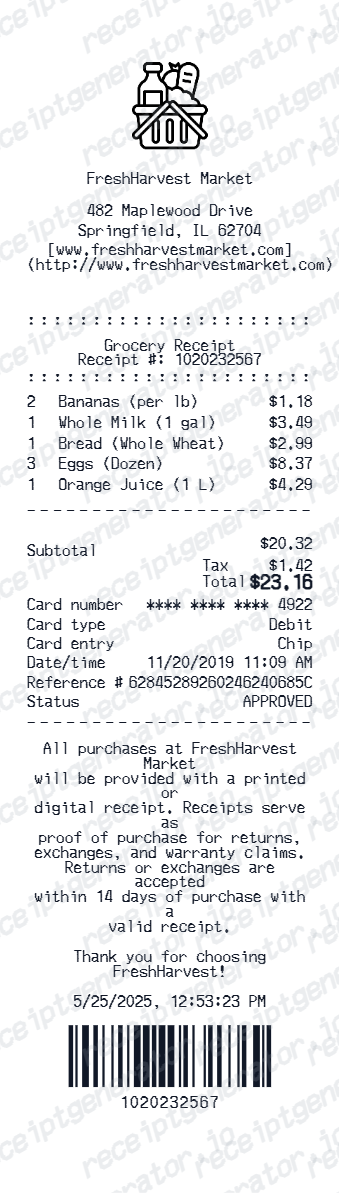
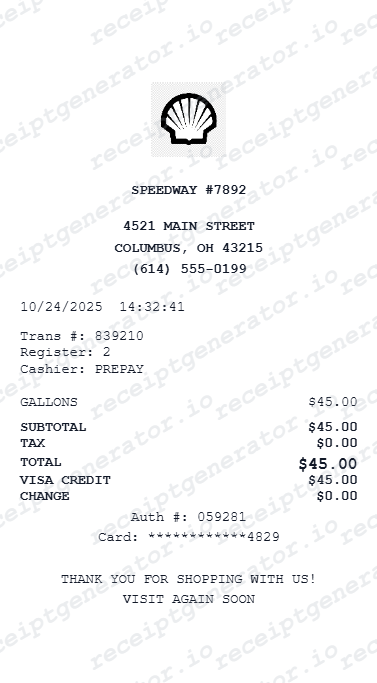
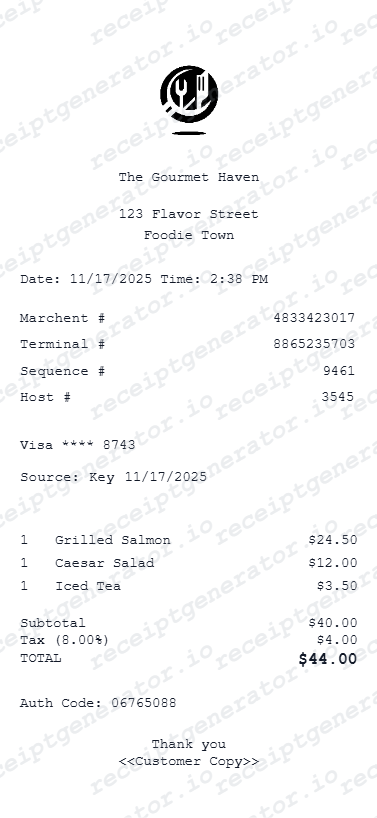
Cafe Thermal Receipt FAQ - Coffee Shop POS Documentation
Learn how to create cafe thermal receipts with barista details, drinks, food items, tax, and print or PDF export for any coffee shop or bakery.
Choose the cafe thermal receipt template, add your cafe name, barista name, drink and food items with prices, tax rate, and payment method. Preview and print or download.
Yes. Add a loyalty points earned and balance line to the receipt footer for coffee shop loyalty program documentation.
Yes. The cafe thermal receipt works perfectly for pop-up coffee stalls, market vendors, and festival coffee traders who need receipts without a full POS setup.
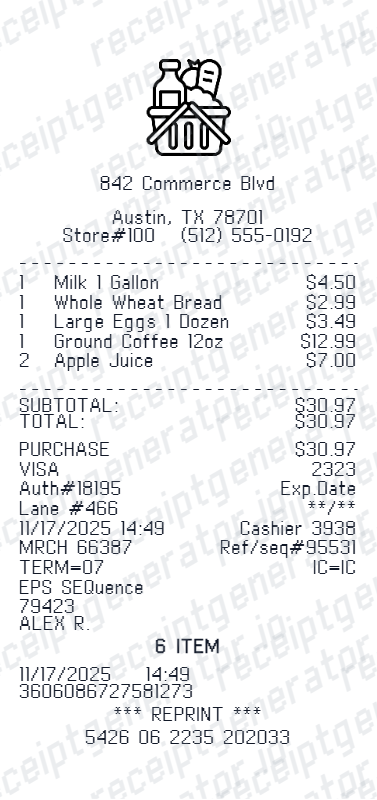
A real cafe thermal receipt is printed on 80mm (or sometimes narrower 57mm) heat-sensitive paper with no ink, showing the cafe name and address, the barista or register ID, the order number and date, each drink or food item with its size and customizations on one line, tax, the total, and the payment method.
Add the store name, purchase date, line items, totals, tax, payment method, and any optional notes you need on your Free Cafe Thermal template.
Yes. Add drink name with size, milk type, or any customization as a single line item — e.g. 'Large Oat Latte' — for complete cafe documentation.
Yes. Independent cafes, specialty coffee shops, bakeries, and tea rooms can generate professional thermal receipts without a full POS system.
If the cafe used a modern card reader like Square, Toast, or Clover, check your email or texts for a digital receipt sent at checkout. Otherwise, ask the cafe if their POS can reprint a receipt from the order history using the date, time, and card's last 4 digits - many systems keep transaction logs even after the paper copy fades or is lost.
Thermal paper is heat-printed rather than inked, so the image is a chemical reaction rather than a physical mark. Heat, sunlight, and friction (like being carried in a wallet) accelerate fading. Storing receipts flat in a cool, dry place preserves legibility far longer than folding them into a pocket.
Both. You can use these templates for reimbursements, bookkeeping prep, and internal documentation workflows.
Receipt Generator · Receipt Maker · 300+ Free Templates
Create your Cafe Thermal receipt
Use the editable Cafe Thermal receipt generator to add items, tax totals, and payment details, then export a clean PDF.