Free Parking Receipt Generator
Create Free Parking Receipts Online - Add Location, Duration, Lot Number & Fee. Download PDF Instantly.
Create a parking receipt with location, duration, rate, discounts, and payment details. Download a PDF for records or reimbursement.

Choose
Parking Receipt selected

Customize
Fill in your details

Download
Save or share receipt
Edit the details once and the preview updates instantly.
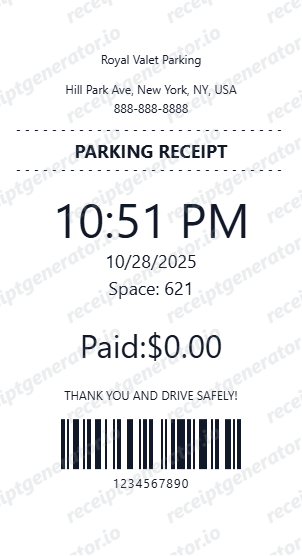
Quick summary
Parking receipt template overview
Use this Parking receipt generator to create authentic itemized receipts with editable products, tax calculations in $, and printable PDF export.
What Is on a Real Parking Receipt?
Parking receipts vary more than most receipt types because the pricing model differs by facility - hourly, flat daily, or event rate - so a generic parking receipt needs to flex between all three rather than assuming one format.
Hourly rate vs. flat rate changes what the receipt shows
An hourly lot bases the fee on the calculated duration between entry and exit, so the receipt shows both timestamps; a flat-rate lot (common for events, airports, or all-day parking) charges one price regardless of duration, so the receipt may show only an entry time or none at all.
Validation discounts reduce the calculated fee, not the rate itself
A business or retail validation is applied as a deduction against the calculated hourly or flat charge - shown as its own negative line - rather than changing the posted rate, so the receipt should show the pre-validation amount and the discount separately.
Facility type determines the location fields that matter
A garage receipt needs level and space number; a surface lot receipt needs row or section; an event lot may reference only a gate or attendant number - the right location detail depends on which kind of parking facility issued it.
Daily or monthly caps show as a rate ceiling
Many hourly facilities apply a daily maximum regardless of how long the vehicle stays, so a receipt for a long stay may show the calculated hourly total capped at the posted daily maximum rather than the raw hourly multiplication.
Payment method and card-on-file vs. pay-at-exit
App-based and gateless lots often charge a card on file automatically and email the receipt; traditional gated lots collect payment at an exit booth or kiosk, printing or handing over a paper receipt at that point.
Corporate expense fields to include
For reimbursement, finance teams generally want the facility name and address, date, duration or session window, rate basis (hourly/daily/event), and total - the same core fields regardless of which parking format issued the original receipt.
Print-ready parking receipts
Edit the layout, watch it update live, then print, download PDF, or email.
Live parking receipt preview
Watch the receipt update as you add parking details.
One-click print
Print your parking receipt from the browser.
Download as PDF
Export a clean parking receipt PDF for records.
Mobile-friendly editor
Create parking receipts from any device.
Get Your Original Parking Receipt First
Check your email first - most app-based and card-on-file parking facilities (garages, airport lots, event parking) send a receipt automatically at exit or charge confirmation. For a facility that issues a paper receipt at a gate or kiosk, the operator's on-site office can sometimes look up a past transaction by date, approximate time, and the card used. Use this template when the original is unavailable - a lost paper stub, an unregistered cash payment, or a receipt that never arrived.
Corporate parking expense claim
Submit parking receipts for corporate expense reimbursements.
Client meeting parking receipt
Document parking costs for client-billable business meetings.
Event parking documentation
Record parking fees for conference or event expense submissions.
Personal parking records
Archive parking receipts for vehicle expense tracking.
Parking Receipt Types
Choose the parking receipt format for your documentation.
Hourly Parking Receipt
Parking receipt with hourly rate and total based on duration.
Daily Parking Receipt
Parking receipt for full-day or flat-rate parking.
Validated Parking Receipt
Parking receipt with validation discount deduction.
Receipt Guides
Read the supporting parking guides to recover transaction details, handle reimbursement records, and keep parking documentation cleaner.
Related Other Receipt Templates
More free receipt templates for parking and retail expense records.
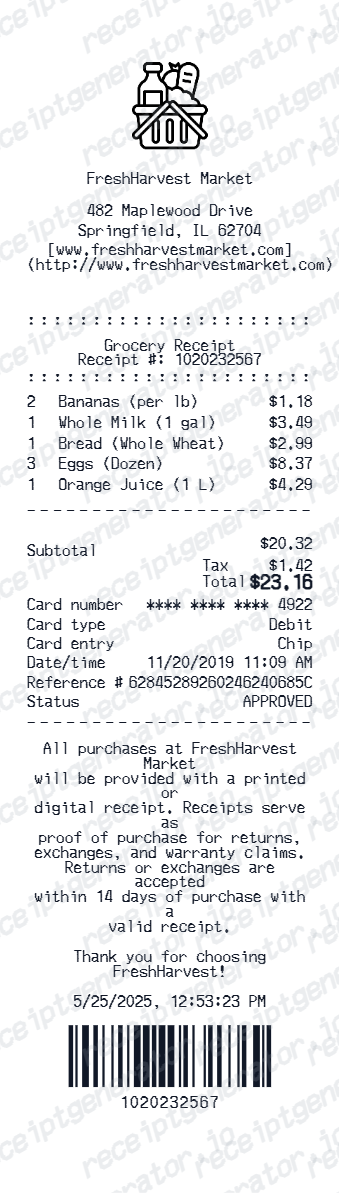
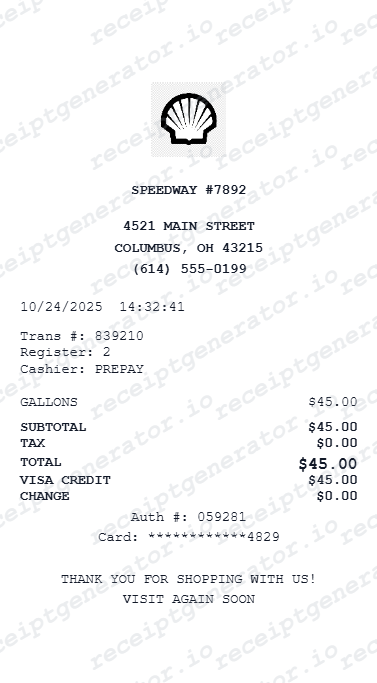
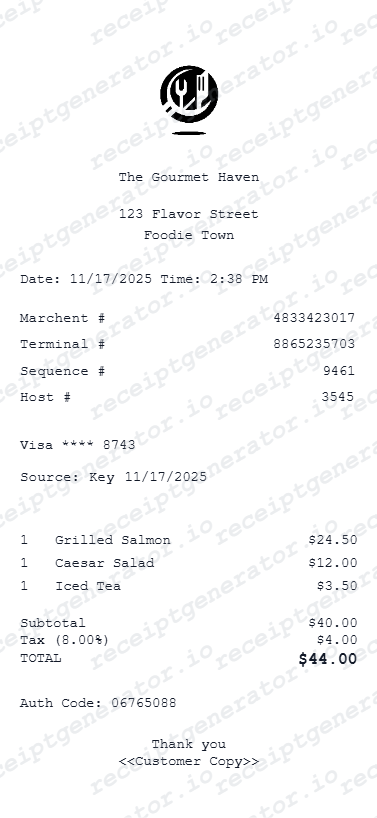
Parking Receipt FAQ - Parking Expense & Duration Documentation
Learn how to create parking receipts with entry/exit time, rate, validation discount, and PDF export for corporate expense reimbursement.
Choose the parking receipt template, add parking facility name, location, entry and exit time, rate, duration, and payment. Download as PDF in seconds.
Yes. Set an hourly or daily parking rate - total fee calculates automatically based on duration.
Yes. Add parking lot name, level, section, and space number for complete parking documentation.
It shows the facility name and address, the rate basis (hourly, daily, or event flat rate), entry and exit times if the facility charges by duration, any validation discount as a separate line, and the total charged with payment method.
Add the store name, purchase date, line items, totals, tax, payment method, and any optional notes you need on your Free Parking template.
Yes. Add exact entry and exit timestamps - parking duration auto-calculates from the times entered.
Yes. Add a parking validation discount (e.g., from a business or retail store) as a deduction line item.
Check your email first - app-based and card-on-file parking facilities usually send a receipt automatically. For a gate or kiosk-based facility, the on-site office can sometimes look up a past transaction using the date, approximate time, and the card used to pay.
It depends on the employer's policy - some accept a card or bank statement line showing the parking merchant and amount as sufficient proof, especially for small amounts. Larger claims typically need a receipt with the facility name, date, and itemized rate rather than just a statement line.
Both. You can use these templates for reimbursements, bookkeeping prep, and internal documentation workflows.
Receipt Generator · Receipt Maker · 300+ Free Templates
Create your Parking receipt
Use the editable Parking receipt generator to add items, tax totals, and payment details, then export a clean PDF.