How to Print an Amazon Receipt
Ready to create your own? Use our free receipt generator — no account needed.
Generate Amazon Receipt →On this page
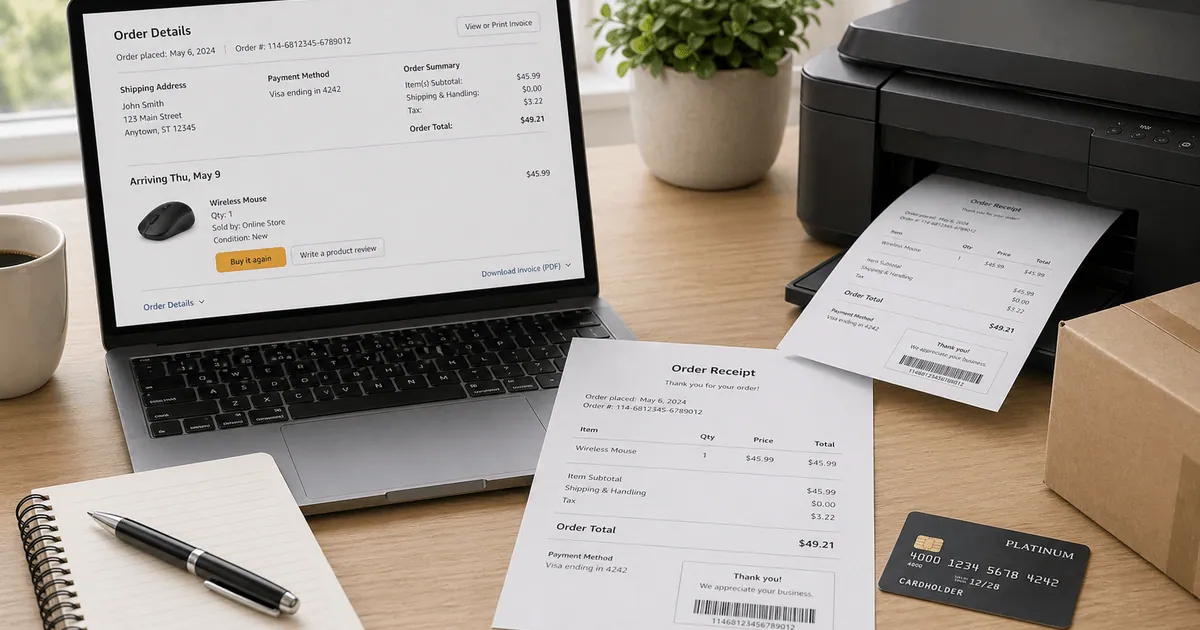
If you need to print an Amazon receipt, start with the original order record. Amazon commonly shows an invoice, order summary, or order details page rather than a separate file called "receipt," but that original record is still the best source for printing.
Quick Answer
Open Amazon order history, select the purchase, and print the invoice or order details page. If you need a cleaner file, save it as a PDF first and print from the saved version.
Where to Print an Amazon Receipt From
Most people print Amazon purchase records from:
- the invoice page
- the order details page
- the order confirmation email
Amazon's own business-order tools surface printable order summaries and invoices as the structured records for post-purchase review, which is why those pages are the safest source to print from. See Amazon Business: Business Order Information and Amazon Business invoices.
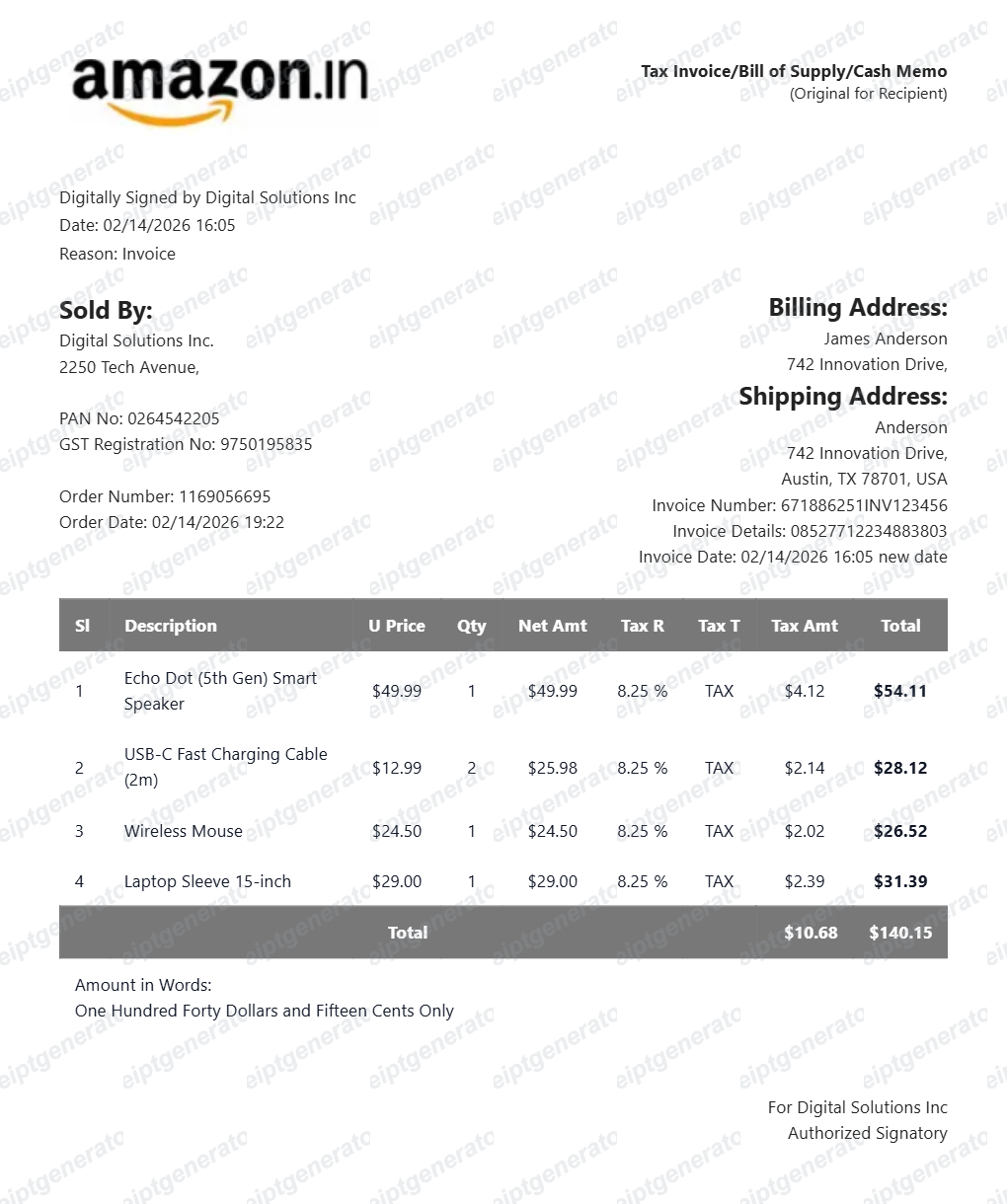
The best option is usually the invoice page because it keeps the line items, tax, shipping, and order number in a cleaner layout.
What to Check Before You Print
Before printing, confirm that the document shows:
- order ID
- purchase date
- item names
- quantities
- subtotal
- shipping
- tax
- total paid
- payment summary
Those are the fields finance teams, reimbursement reviewers, and personal records usually depend on.
Save as PDF First
If the browser print preview looks crowded, save the document as a PDF before printing. That gives you a cleaner archive copy and makes it easier to rename the file for later reference.
Need a Cleaner Printable Amazon Receipt?
If you already verified the order details and want a cleaner printable version for your own files, use the Amazon Receipt Generator.
Create a Clean Printable Amazon Receipt
Use the Amazon receipt template to organize verified order details into a print-ready PDF.
Related Guides
Final Takeaway
If you need to print an Amazon receipt, use the original invoice or order page first. Once the details are verified, you can save or print a cleaner version for your records.
FAQ
Open Amazon order history, select the order, and use the invoice or order details page as the source for printing.
Most people print by opening the document in the browser and saving it as a PDF first.
Amazon often provides an invoice or order summary instead of a separate receipt document.
For recordkeeping, the important part is that the document shows the order ID, items, taxes, totals, and payment details.