CVS Receipt Template: What to Include
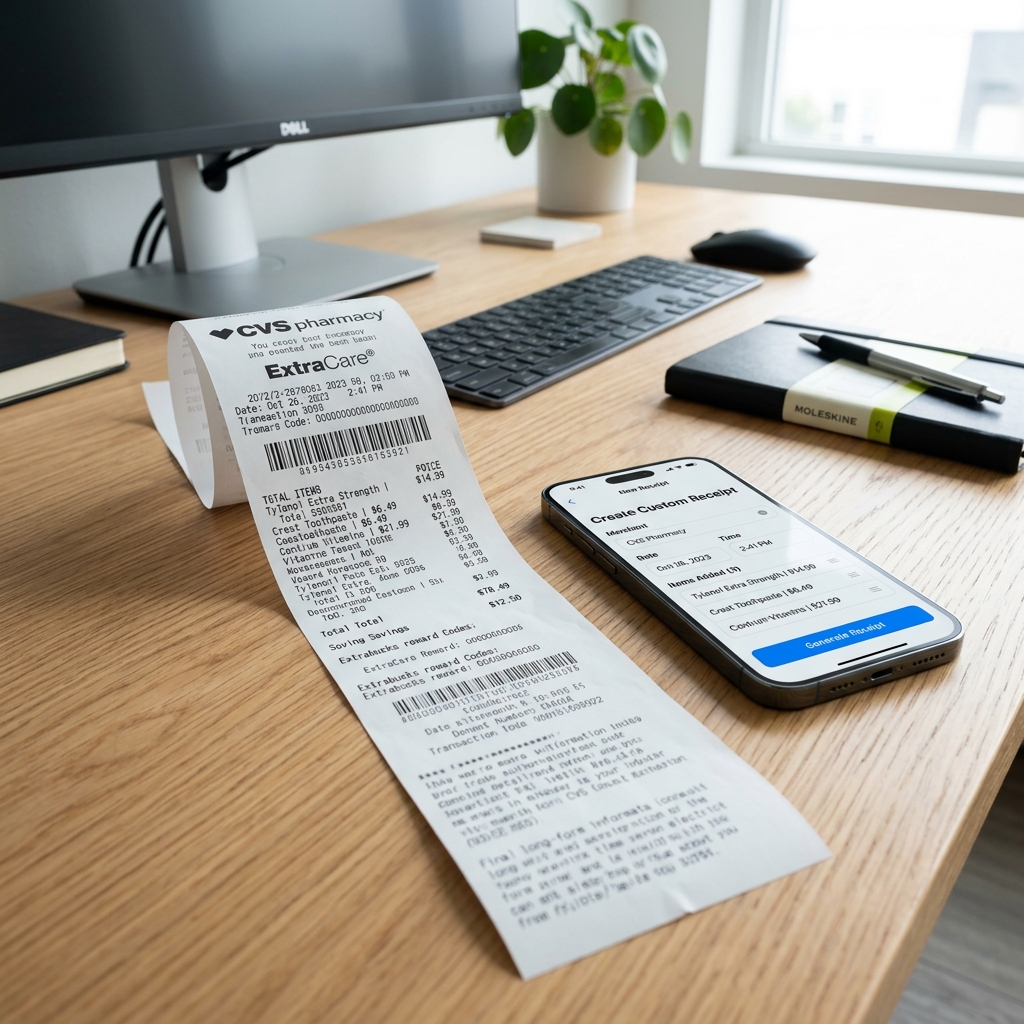
Ready to create your own? Use our free receipt generator — no account needed.
Generate CVS Receipt →On this page
If you need a CVS receipt template, the first thing to decide is whether you are organizing a store receipt or a pharmacy-style receipt. CVS covers both retail and pharmacy purchases, and the template should match the type of purchase you are trying to document.
CVS also documents digital receipt and ExtraCare support in its help center, which is why the cleanest template work starts by checking the original CVS purchase record first. See CVS Help: Help with ExtraCare and CVS Help: ExtraCare Rewards.
Quick Answer
A CVS receipt template should include the merchant name, date, item details, totals, payment information, and any important savings or prescription fields relevant to the purchase.
Important
A template is best used for personal recordkeeping after you confirm the original purchase details. For reimbursement, insurance, or pharmacy verification, use the official CVS-issued receipt first whenever possible.
The Two Main CVS Receipt Template Types
There are really two versions of a CVS receipt template:
- Store receipt template
- Pharmacy receipt template
The store version is better for:
- OTC items
- cosmetics
- household products
- ExtraCare savings
- front-store budgeting and purchase history
The pharmacy version is better for:
- prescription purchases
- copays
- FSA or HSA documentation
- medical expense tracking
- pharmacy recordkeeping
If you use the wrong layout, the receipt may still look fine, but it will be less useful when you need to review it later.
What a CVS Store Receipt Template Should Include
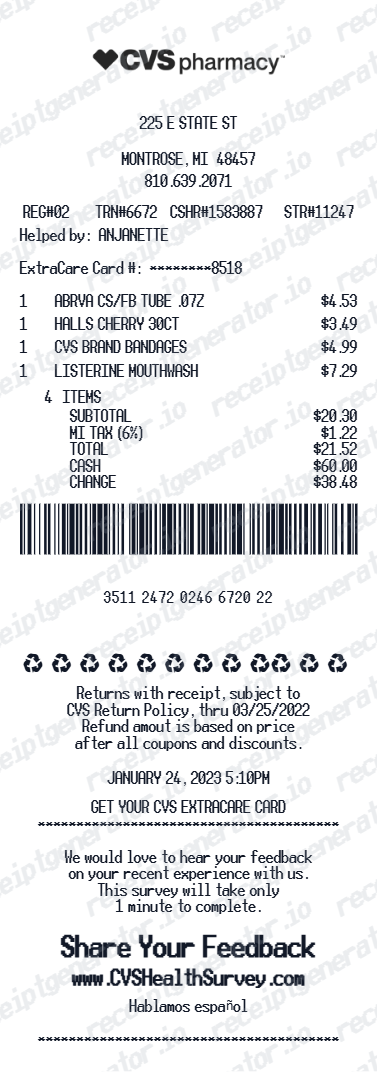
A CVS store receipt template should typically include:
- store name and address
- date and time
- cashier or register reference
- item names
- quantities
- item prices
- discounts, coupons, or savings
- subtotal
- tax
- payment method
- total paid
For CVS specifically, a store-style layout often feels more complete when it also includes:
- ExtraCare savings
- ExtraBucks earned or redeemed
- receipt or transaction number
These fields make the template more useful for ordinary CVS shopping records.
What a CVS Pharmacy Receipt Template Should Include
A CVS pharmacy receipt template should focus less on retail layout and more on pharmacy-specific clarity.
Useful fields include:
- pharmacy name and location
- pickup or purchase date
- Rx number or prescription reference
- medication detail
- amount paid
- insurance-adjusted patient payment
- any relevant pharmacy notes
If your goal is medical documentation, this format is usually more useful than a retail-style receipt template.
Related:
- How to Get a CVS Prescription Receipt
- CVS Prescription Receipt vs Store Receipt
- What a CVS Pharmacy Receipt Should Include
Template Fields That Matter Most
CVS Receipt Template Fields
| Feature |
|---|
When to Use a CVS Receipt Template
A CVS receipt template is most useful when:
- you are organizing your records
- you want a cleaner version of verified purchase details
- you need a structured backup for personal files
- you want to separate pharmacy and retail purchases clearly
It is especially helpful if you are dealing with mixed CVS visits and want to keep:
- a pharmacy-focused record for prescriptions
- a store-style record for retail items
When Not to Rely on the Template Alone
Do not treat the template as the first-choice replacement for:
- official reimbursement submissions
- insurance proof requests
- pharmacy verification
- audit-sensitive documentation
In those cases, the official CVS-issued receipt, digital receipt, or pharmacy summary should come first. The template works best as a structured personal backup once the original details are confirmed.
For FSA or HSA submissions, the IRS expects you to keep records showing the medical expense and amount paid. See IRS Publication 969.
How to Build a Better CVS Receipt Template
If you are building a CVS-style record, use this order:
- Start with the correct receipt type: store or pharmacy
- Add the merchant and date details first
- Add item or prescription detail next
- Add savings, tax, and total sections after that
- Finish with payment information and any transaction reference
That gives you a template that is easier to read and closer to the way real receipt records are reviewed.
Best Practice for CVS Recordkeeping
If the visit included both retail and pharmacy purchases:
- keep the official CVS receipt if you have it
- keep the prescription-specific record if relevant
- use the template only after you confirm the details
- label files clearly by date and receipt type
This avoids mixing pharmacy documentation with front-store shopping records.
Create a CVS Receipt Template Online
If you want a ready-to-use version instead of building the structure manually, use the CVS Receipt Generator.
It gives you a cleaner CVS-style layout for organizing verified purchase information and export-ready formatting for your own files.
Use the CVS Receipt Generator
Create a structured CVS-style receipt with the fields you need for store or pharmacy recordkeeping.
Related CVS and Pharmacy Guides
- CVS Receipt Lookup: Get Your Digital Receipt or Reprint
- How to Get a CVS Prescription Receipt
- CVS Prescription Receipt vs Store Receipt
- What a CVS Pharmacy Receipt Should Include
- How to Reprint a CVS Receipt With ExtraCare
- CVS Receipt Generator
Final Takeaway
The best CVS receipt template depends on the kind of purchase you are documenting. Use a store-style format for retail purchases and a pharmacy-style format for prescription records. That one decision makes the rest of the template much more useful.
FAQ
A CVS receipt template should usually include store or pharmacy name, date, item or prescription details, subtotal, tax if relevant, discounts or savings, payment method, and final total.
The exact fields depend on whether you are organizing a store receipt or a pharmacy-style receipt.
Yes. A pharmacy-oriented template should focus more on prescription detail, while a store receipt template should focus more on retail items, coupons, and ExtraCare savings.
Using the right format makes the record easier to review later.
Yes. For store-style CVS receipts, savings lines such as ExtraCare or ExtraBucks can be included if they are relevant to the purchase record.
Those are more important on retail receipts than on prescription-only records.
Use a pharmacy-style format when the goal is to organize prescription details, copays, and medical record information.
That is usually more useful than a generic store receipt layout for medical documentation.
For personal organization, a template can help you structure verified purchase details.
For official reimbursement, insurance, or pharmacy verification, the original CVS-issued record should come first whenever possible.
You can use the CVS Receipt Generator to create a clean CVS-style record with structured fields and export-ready formatting.
It works best after you have verified the original purchase details.