Budget Car Rental Receipt Generator
Create a Budget-style car rental receipt with renter details, vehicle info, pickup and drop-off dates, itemized charges, Fastbreak loyalty info, and payment summary. Preview live and export a PDF.
Create a Budget-style car rental receipt with editable renter details, vehicle information, rental dates, mileage, itemized charges, Fastbreak number, and payment summary. Download a clean PDF for expense reimbursement or travel records.

Choose
Budget Receipt selected

Customize
Fill in your details

Download
Save or share receipt
Edit the details once and the preview updates instantly.

Quick summary
Budget car rental receipt template overview
Use this Budget-style receipt template to build a complete car rental receipt with renter details, vehicle info, rental dates, mileage, itemized charges, Fastbreak loyalty number, and payment summary.
What Is on a Real Budget Receipt?
Budget's final rental receipt follows a fixed structure shared with sister brand Avis, since both are owned by Avis Budget Group. If you are rebuilding a rental record, these are the fields the original contains and the ones an expense reviewer will look for.
Rental agreement number
The receipt is keyed to the rental agreement number issued at pickup, separate from the reservation confirmation number. Budget's online receipt lookup asks for the pickup country, renter's last name, and either the confirmation or rental agreement number to pull up the e-receipt.
Pickup and return with exact timestamps
The receipt shows the checkout and check-in locations with exact date and time for each, since Budget bills in full rental days measured from the pickup time - a late return can add an extra day charge traceable to these timestamps.
Vehicle class, not a guaranteed model
Budget reserves and bills by vehicle class or group (Economy, Compact, Standard SUV, etc.) rather than a specific make or model, so the receipt records the class charged along with license plate and mileage.
Time & Mileage base charge
The base rate appears as a Time & Mileage line - the daily or weekly rate times rental days - with Fastbreak member rates or coupon codes shown as separate discount adjustments against that line.
Concession recovery and vehicle license fees
Airport pickups add a concession recovery fee (Budget's pass-through of what it remits to the airport authority) and a per-day vehicle license fee, which is why an airport rental total exceeds the quoted base rate.
Fastbreak member number
If a Fastbreak number was attached to the booking, it appears near the renter's name on the receipt. Fastbreak is Budget's free counter-bypass program; renters use their RapidRez or Basic RapidRez number to sign in and view rental history online.
Create a print-ready Budget car rental receipt
Edit the layout, watch it update live, then print, download PDF, or email.
Live Budget receipt preview
Watch the receipt update instantly as you edit renter info, vehicle details, rental dates, charges, and payment information.
Itemized charge editor
Add, remove, or edit each charge line — daily rate, insurance, fuel, taxes, and surcharges.
Download as PDF
Export a clean Budget-style rental receipt PDF for expense submission, reimbursement, or travel records.
Mobile-friendly editor
Create and edit Budget rental receipts from desktop, tablet, or phone.
Get Your Original Budget Receipt First
Budget has an online e-receipt tool at budget.com: open Get e-Receipt, then enter the pickup country, your last name, and the confirmation or rental agreement number to retrieve it. Fastbreak members can sign in with their RapidRez number and view Past Rentals in the Fastbreak dashboard. If the online window has closed, call 800-527-0700 or 800-621-2844 with the rental agreement number. Use this template when the original is unavailable - a rental too old for the online lookup, or a receipt sent to an email you no longer use.
Business travel reimbursement
Submit a complete Budget rental receipt with all required fields for corporate expense reimbursement.
Lost rental receipt recovery
Recreate a Budget rental receipt when the original is missing or was never printed at the return counter.
Tax documentation
Generate a detailed Budget rental receipt for self-employed or business travel tax deduction records.
Travel expense reports
Attach a clear Budget rental receipt to travel expense reports with full vehicle, charge, and payment details.
Budget Car Rental Receipt Formats
Choose the Budget-style rental receipt layout that best matches your business travel, expense reimbursement, or Fastbreak loyalty documentation needs.
Standard Budget Rental Receipt
A Budget-style receipt with renter details, vehicle info, rental period, itemized charges, and payment total.
Fastbreak Member Receipt
A Budget receipt with Fastbreak loyalty number and frequent renter details included.
Business Travel Receipt
A Budget car rental receipt formatted for corporate expense submissions with all required reimbursement fields.
Car Rental Receipt Guides
Read supporting guides for rental car receipts, reimbursement records, and travel documentation.
Related Other Receipt Templates
More free receipt templates for car rentals, travel, and transportation expense records.
Budget Car Rental Receipt FAQ
Common questions about creating, editing, and downloading a Budget-style car rental receipt for expense reimbursement, travel records, and tax documentation.
Open the Budget receipt generator, edit renter details, vehicle info, pickup and drop-off dates, itemized charges, Fastbreak loyalty number, and payment section, then preview and download as a PDF.
Yes. Add base rental rate per day, additional driver fee, fuel service charge, loss damage waiver, roadside protection, airport concession fee, state surcharge, taxes, and any other line items.
Yes. Add vehicle make, model, year, vehicle class, license plate, odometer out and in readings, total miles driven, and any mileage overage charges.
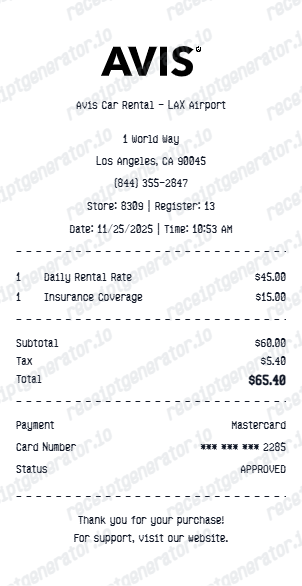
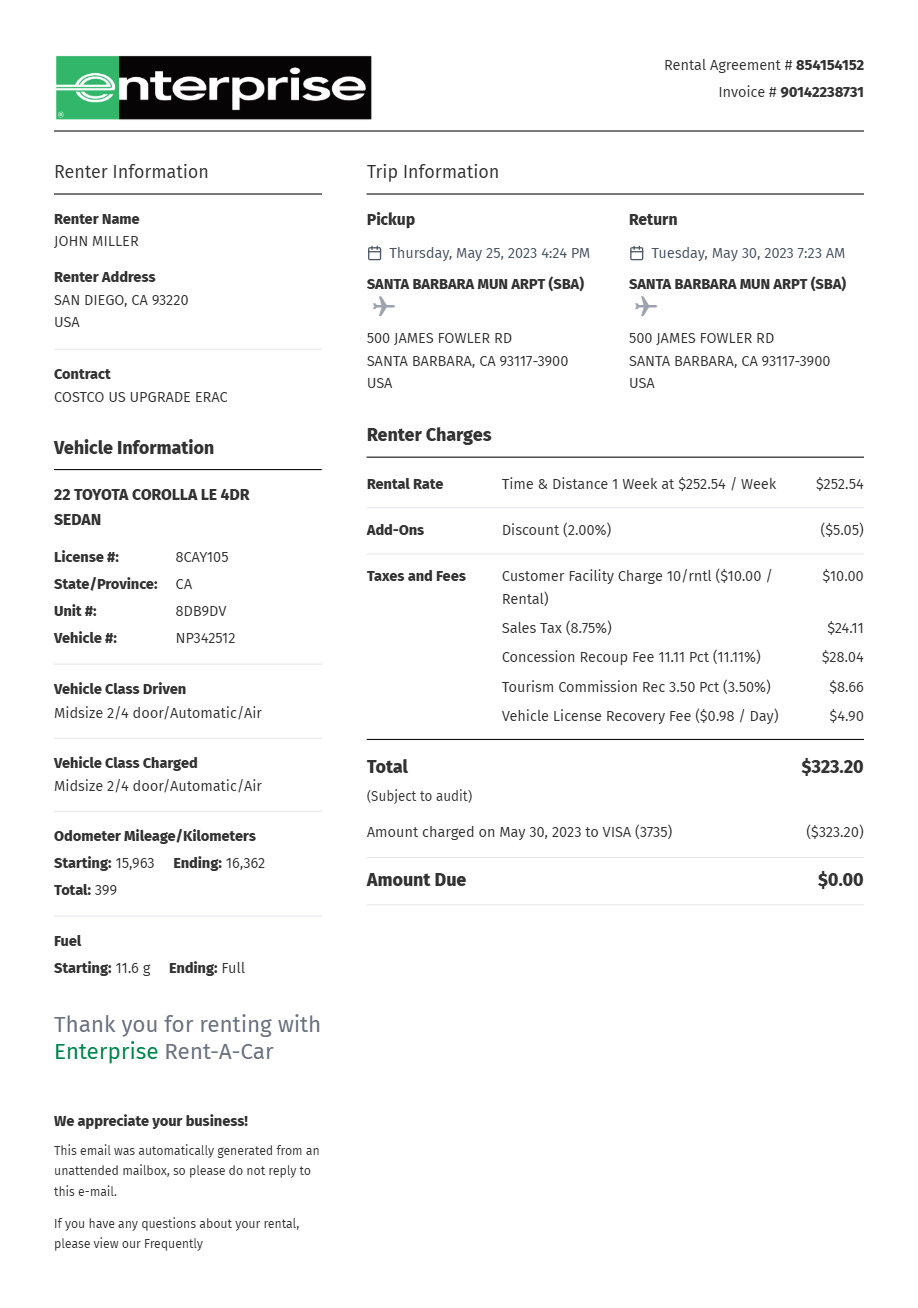
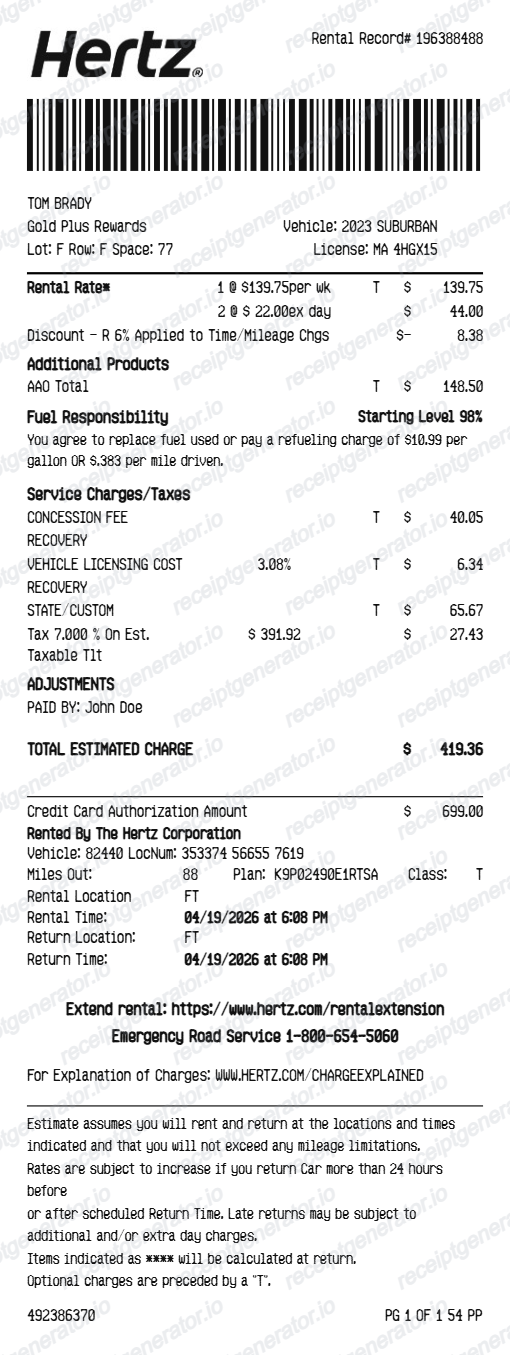
A Budget e-receipt shows the rental agreement number, renter name, pickup and return locations with exact dates and times, the vehicle class and license plate, a Time & Mileage line for the base rate, any coverage or add-on lines, pass-through fees like the concession recovery fee and vehicle license fee, taxes, a Fastbreak number if attached, and the payment card's last 4 digits with the total.
Add the store name, purchase date, line items, totals, tax, payment method, and any optional notes you need on your Budget Car Rental template.
Yes. Add rental start and end dates, pickup and return locations, and exact return time to match a standard Budget rental agreement.
Yes. Include Fastbreak member number and loyalty program details to match the standard Budget rental receipt format for frequent renters.
Go to the Get e-Receipt tool on budget.com and enter the country where you picked up the car, your last name, and your confirmation or rental agreement number. Fastbreak members can instead sign in to the Fastbreak dashboard and open Past Rentals to view or print recent receipts. For rentals outside the online window, call Budget customer care at 800-527-0700 or 800-621-2844 with the rental agreement number.
Airport rentals carry pass-through charges the quoted daily rate doesn't include, such as the concession recovery fee and vehicle license fee. Optional extras like loss damage waiver, an additional driver, or a prepaid fuel option also appear as their own lines and add to the final total.
Both. You can use these templates for reimbursements, bookkeeping prep, and internal documentation workflows.
Receipt Generator · Receipt Maker · 300+ Free Templates
Create your Budget car rental receipt
Use the editable Budget receipt generator to add renter details, vehicle info, itemized charges, Fastbreak loyalty info, and payment summary, then export a clean PDF for your records.