Free Fast Food Receipt Generator
Create Free Fast Food Receipts Online - Add Items, Combos & Tax. Download PDF Instantly.
Create a fast food receipt with combo meals, drinks, tax, and payment details. Download a clean PDF for meal records or reimbursements.

Choose
Fast Food Receipt selected

Customize
Fill in your details

Download
Save or share receipt
Edit the details once and the preview updates instantly.
Quick summary
Fast Food receipt template overview
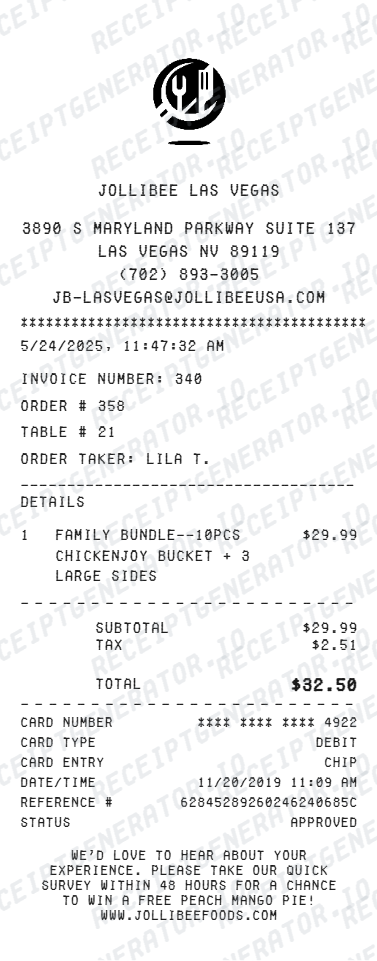
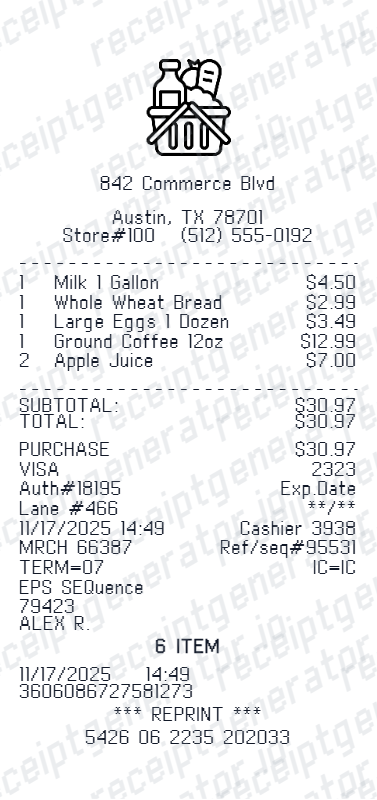
Use this Fast Food receipt generator to create authentic itemized receipts with editable products, tax calculations in $, and printable PDF export.
What Is on a Real Fast Food Receipt?
Fast food chains like McDonald's, Burger King, and Wendy's print highly structured receipts built around an order number, because the same slip is used for register pickup, drive-thru calling, and post-visit surveys.
Order number at the top
Every fast food receipt prints an order or register number near the top of the slip. Counter staff and drive-thru workers use this number to call out or match a completed order to the right customer.
Drive-thru vs. counter or dine-in marker
The receipt typically flags how the order was placed - drive-thru, front counter, dine-in, or kiosk/mobile - since fulfillment speed and bagging differ by channel.
Combo meal breakdown
A combo can print as a single bundled line with one price, or break into its components - sandwich, side, and drink - each listed separately depending on the chain's POS configuration.
Value menu and upsell prompts
Receipts often reflect register upsell prompts, showing add-on items like a size upgrade, extra sauce, or a value-menu item rung in alongside the main order.
Survey code for a free item
Most major fast food chains print a customer-satisfaction survey code on the receipt - McDonald's McDVOICE and Burger King's MyBKExperience are well-known examples - offering a validation code redeemable for a free item after completing a short survey, usually within 48 hours to 30 days of the visit.
Auto tax calculation
Set a tax rate once - subtotal, tax, and grand total calculate automatically across all items.
Print-ready fast food receipts
Edit the layout, watch it update live, then print, download PDF, or email.
Live fast food receipt preview
Watch your receipt update instantly as you add menu items, combo meals, and tax.
One-click print
Print your fast food receipt directly from the browser - no app or login needed.
Download fast food receipt as PDF
Save a clean, print-ready PDF for expense reports, reimbursements, or personal records.
Auto combo & tax totals
Subtotal, tax, discounts, and grand total calculate automatically as you edit.
Get Your Original Fast Food Receipt First
If you paid by card or ordered through the chain's app, check your mobile order history or rewards account first - major chains like McDonald's, Burger King, and Wendy's log app and kiosk orders digitally, and some locations can look up a paper receipt by date, register, and approximate time. Use this template when the original is unavailable - a cash drive-thru order, a faded thermal-paper receipt, or a purchase made by someone else.
Lost fast food receipt
Recreate fast food receipts for expense reports.
Business meal expenses
Generate receipts for work lunches and client meal purchases.
Work reimbursements
Create receipts for office lunch and team meal reimbursements.
Tax documentation
Build receipts for deductible meal and business expense records.
Fast Food Receipt Types
Choose the format that matches your fast food order.
Standard Fast Food Receipt
Single meal receipt with menu items, tax, and payment details.
Combo Meal Receipt
Itemized combo receipt with bundled meal components and pricing.
Business Meal Receipt
Detailed receipt showing items, tax, and totals for expense filing.
Related Guides
Explore related guides to understand the receipt details, lookup steps, and documentation workflows.
Related Other Receipt Templates
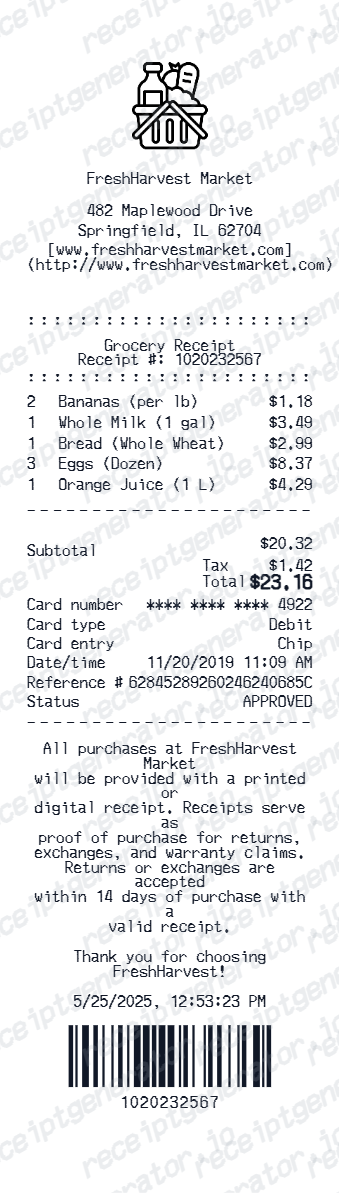
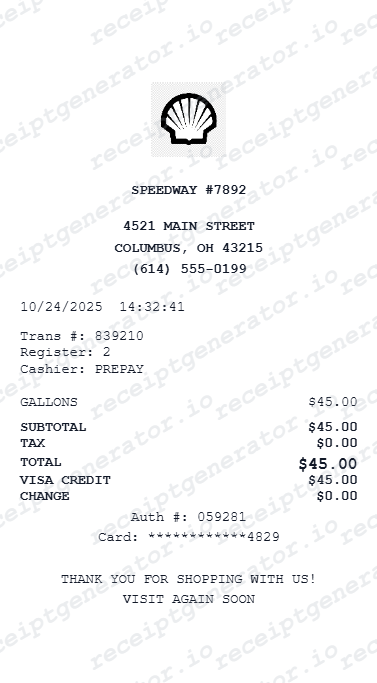
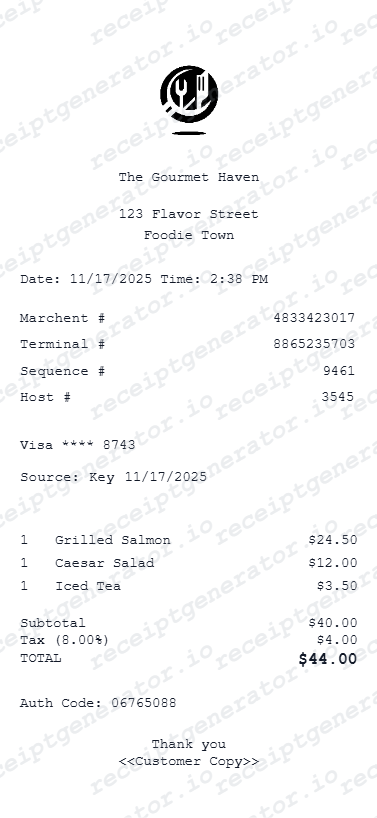
More free receipt templates for fast food, fast casual, restaurants, and food delivery.
Fast Food Receipt FAQ - Frequently Asked Questions
Get answers on how to create, customize, and download free fast food receipts online.
Choose the fast food receipt template, enter the restaurant name, date, menu items with prices, tax, and payment details. Preview and download as PDF in seconds.
Yes. Add combo meals as one line item or break them into individual components like burger, fries, and drink.
Yes. Add discount, coupon, or promo lines as separate items so totals remain accurate.
Yes. Many users generate fast food receipts for business meal expense reports, work lunch reimbursements, and travel meal allowances. Check with your employer or accountant about documentation requirements.
A real fast food receipt shows an order or register number at the top, a channel marker for drive-thru, counter, or dine-in, each menu item with quantity and price, combo meals either bundled or broken into sandwich, side, and drink, subtotal, tax, payment method, and often a customer survey code near the bottom offering a free item for feedback.
Add the restaurant name, order date, menu items, quantities, prices, tax rate, payment method, and optional order details like register number or cashier.
Yes. Include order number, register number, cashier name, and location details for a complete fast food receipt layout.
Yes. If you lost your fast food receipt, enter the restaurant name, date, and ordered items to recreate it as a PDF for expense or reimbursement purposes.
Check your mobile order history if you ordered through the chain's app, since most major fast food brands log app and kiosk orders digitally and can resend a receipt by email. For an in-person or drive-thru order, ask the location directly - some registers can look up and reprint a receipt by date, time, and register number, though many locations cannot after the shift closes.
Chains like McDonald's (McDVOICE) and Burger King (MyBKExperience) print a unique code on the receipt that unlocks a short customer satisfaction survey. Completing it within the printed time window, often 48 hours to 30 days, generates a validation code redeemable for a free item like a sandwich or fries on a future visit.
Receipt Generator · Receipt Maker · 300+ Free Templates
Create your Fast Food receipt
Use the editable Fast Food receipt generator to add items, tax totals, and payment details, then export a clean PDF.