Free Popeyes Receipt Generator
Create Free Popeyes Chicken Receipts Online - Add Menu Items, Order Number, Tax & Payment. Download PDF Instantly.
Create a Popeyes-style receipt with combos, sides, drinks, tax, and payment details. Download a PDF for fast food records, returns, or reimbursements.

Choose
Popeyes Receipt selected

Customize
Fill in your details

Download
Save or share receipt
Edit the details once and the preview updates instantly.
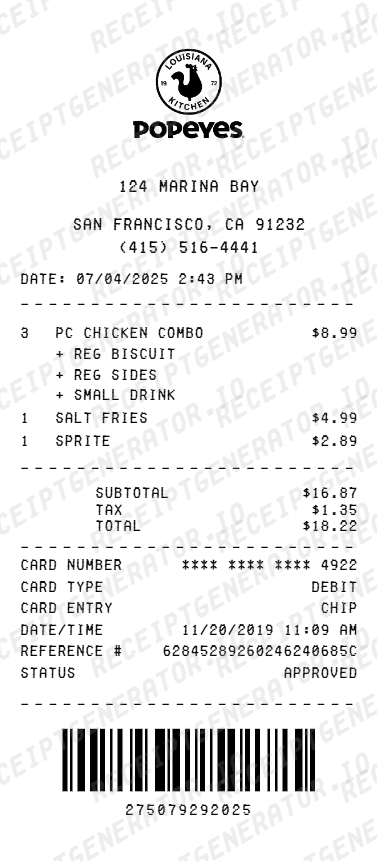
Quick summary
Popeyes receipt template overview
Use this Popeyes receipt generator to create authentic itemized receipts with editable products, tax calculations in $, and printable PDF export.
What Is on a Real Popeyes Receipt?
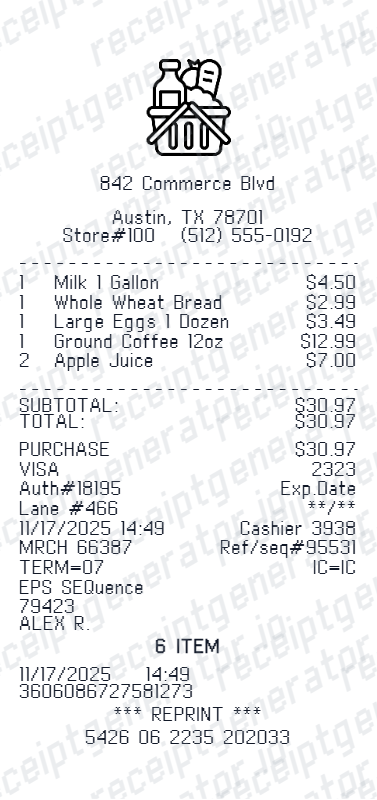
Popeyes restaurant receipts follow a consistent fast-food POS layout, so a credible replacement copy should match the real fields in order and format.
Restaurant number at the top
Every Popeyes location prints a restaurant number near the header, along with the store address and phone number. This number is what TellPopeyes and other feedback tools ask for when tying a receipt to a specific location.
Order number and check number
Each order gets a sequential order or check number tied to the register, plus a cashier or team member ID. Drive-thru orders often add a window or lane indicator alongside the order number.
Chicken sandwich-era combo naming
Since the 2019 chicken sandwich launch, Popeyes menus print combo names like Classic or Spicy Chicken Sandwich Combo, Handcrafted Tenders, and Blackened Chicken Sandwich as distinct line items, each with its own combo pricing versus a la carte pricing.
Popeyes Rewards points earned
Rewards members earn 10 points per $1 spent when the order is linked to the app or a registered card. A points-earned or points-balance line appears near the bottom of app and in-store receipts for enrolled guests.
State and local sales tax line
Sales tax is calculated on the subtotal using the restaurant's local rate and always appears as its own line before the total, separate from any tip or donation prompt.
Survey code for TellPopeyes
Most receipts print a short survey invitation with a code tied to the store number, date, time, and ticket amount - used for the TellPopeyes guest satisfaction survey, typically valid for 48 hours to a few days.
Print-ready Popeyes fast food receipts
Edit the layout, watch it update live, then print, download PDF, or email.
Live Popeyes receipt preview
Watch the receipt update as you add menu items and store details.
One-click print
Print your Popeyes receipt directly from the browser.
Download as PDF
Export a clean Popeyes receipt PDF for expense documentation.
Mobile-friendly editor
Create Popeyes receipts from any device.
Get Your Original Popeyes Receipt First
If you paid with a card or ordered through the app, check your bank or card statement for the charge, or open the Popeyes app under order history if you were signed in at checkout. In-store, ask the manager for a reprint using the date, time, and approximate total - most POS systems can pull a recent transaction by register and time stamp. Use this template when the original is unavailable - a cash purchase, a discarded receipt, or a location that cannot reprint old tickets.
Per diem meal expense claim
Create Popeyes receipts to document fast food per diem meal expenses during business travel.
Return & refund documentation
Create a Popeyes receipt for order return or refund documentation.
Personal meal records
Keep personal Popeyes purchase records with itemized receipts.
Challenge reimbursement
Document Popeyes meals for team events, office lunches, or client entertainment.
Popeyes Receipt Types
Choose the Popeyes receipt format for your fast food purchase documentation.
Popeyes Dine-In Receipt
Popeyes restaurant receipt for sit-down or counter service orders.
Popeyes Drive-Thru Receipt
Popeyes receipt for drive-through order with window number and time.
Popeyes Expense Receipt
Popeyes receipt formatted for per diem meal expense documentation.
Related Guides
Explore related guides to understand the receipt details, lookup steps, and documentation workflows.
Related Other Receipt Templates
More free receipt templates for restaurant and retail expense records.
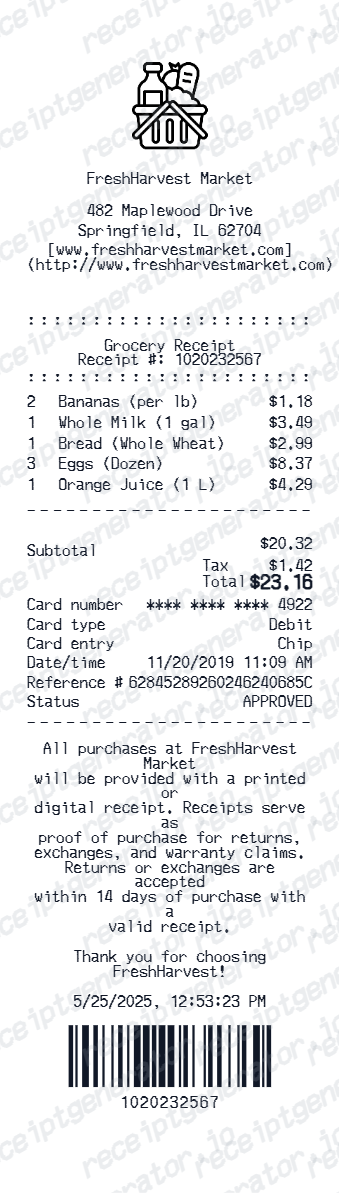
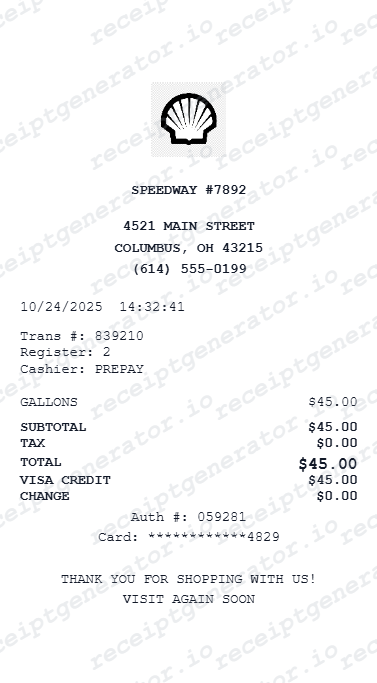
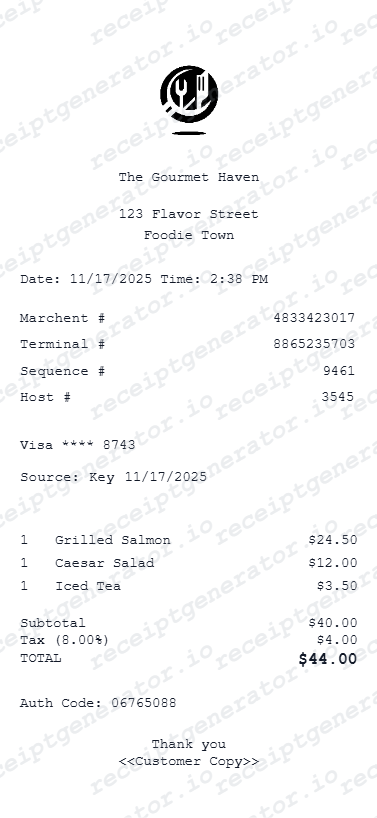
Popeyes Receipt FAQ - Fast Food Purchase Documentation
Learn how to create Popeyes chicken receipts with menu items, order number, tax, and PDF export for expense and fast food documentation.
Choose the Popeyes receipt template, add store number and address, order number, cashier name, menu items (combos, chicken, sides, drinks) with prices, sales tax, and payment method. Preview and download as PDF in seconds.
Yes. Add chicken sandwich combos, tenders, spicy chicken, red beans and rice, coleslaw, biscuits, drinks, and any Popeyes menu items as individual line items with price.
Yes. Add state and local sales tax as a separate line item - standard on fast food restaurant receipts.
Yes. Download a clean Popeyes receipt PDF for expense reimbursement, meal documentation, return records, or personal fast food purchase records.
A real Popeyes receipt shows the restaurant number and address at the top, an order or check number tied to the register, combo items like the Spicy Chicken Sandwich Combo with individual pricing, sales tax as its own line, the payment method, and often a Popeyes Rewards points line plus a TellPopeyes survey code at the bottom.
Add the store name, purchase date, line items, totals, tax, payment method, and any optional notes you need on your Free Popeyes template.
Yes. Add the Popeyes store number, street address, city, state, and phone number for a complete and authentic-looking Popeyes store receipt.
Yes. Add order number, cashier name, register number, order date, and time for a complete Popeyes POS receipt.
Yes. Fast food meal receipts are commonly submitted for business travel per diem meal expenses. Add order details and export a PDF for expense approval.
If you paid by card, your bank statement confirms the charge and amount. App orders show full order history under your account. For an in-store cash purchase, contact the restaurant directly with the date, time, and total - many locations can look up a transaction by register and time stamp, though older tickets may not be retrievable.
Only if you were signed into the app or used a linked payment method at checkout - points post automatically in that case. Popeyes does not offer a general receipt-scanning feature to retroactively claim points on unlinked orders.
Receipt Generator · Receipt Maker · 300+ Free Templates
Create your Popeyes receipt
Use the editable Popeyes receipt generator to add items, tax totals, and payment details, then export a clean PDF.