Restaurant & Shop Set Receipt Generator
Create restaurant and retail shop receipts with itemized orders, tipping, signature lines, and payment. Download a clean PDF for dining records or retail billing.
Create restaurant and shop receipts with tipping, signature lines, itemized purchases, and payment details. Download a clean PDF.

Choose
Restaurant & Shop Set selected

Customize
Fill in your details

Download
Save or share receipt
Edit the details once and the preview updates instantly.
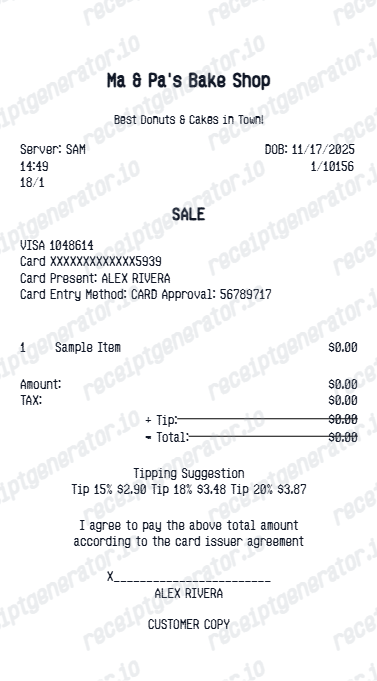
Quick summary
Restaurant & Shop Set receipt template overview
Use this Restaurant & Shop Set receipt generator to create authentic itemized receipts with editable products, tax calculations in $, and printable PDF export.
What Is a Combined Restaurant & Shop Receipt Set?
This template covers both formats in one place - a dining check and a retail sales slip - since many trips generate both on the same outing or expense report.
Restaurant checks separate food, tax, and tip
A dining receipt itemizes each dish or drink, applies sales tax on the food subtotal, and shows tip as its own line - either added by the server for large parties or left blank for the diner to fill in, since tip is calculated after the printed subtotal in most US restaurants.
Retail slips itemize SKU-level purchases
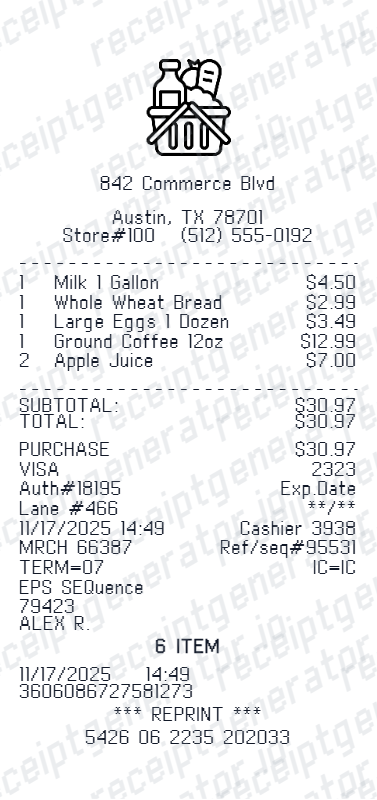
A shop receipt lists each product with its own line, applies tax per item or per category depending on local rules, and shows the payment method and change due - a different structure from a restaurant check's course-based layout.
Server, table, and check numbers vs. cashier and register numbers
Restaurant receipts reference a table number, server name or ID, and check number tied to the point-of-sale terminal; retail receipts instead reference a register or lane number, cashier ID, and transaction number - both are useful for disputing a charge with the right department.
Return policy applies to shop items, not meals
A retail receipt is the document a store references for a return or exchange within its stated window; a restaurant check has no return equivalent, since food is consumed, so a dining receipt functions purely as proof of spend for expense or tax purposes.
Signature line usage differs by receipt type
Restaurant checks commonly include a signature line for card tip authorization when the tip is added after presenting the check; retail receipts include a signature line only for certain high-value or credit transactions, not routine debit purchases.
Both need a full header for expense acceptance
Whether it's a meal or a purchase, expense reviewers expect a business name, address, date, and itemized total on the receipt - a combined template keeps both formats consistent for mixed-spend expense reports.
Print-ready restaurant receipts
Edit the layout, watch it update live, then print, download PDF, or email.
Live preview
See updates instantly as you add items.
One-click print
Print directly from your browser.
Export PDF
Download clean PDFs for records.
Itemized totals
Automatic calculation of subtotal, tax, and tip.
Get Your Original Restaurant or Shop Receipt First
For a restaurant visit, ask the location directly - most point-of-sale systems can look up a past check by date, table, or card used, and email or reprint it. For a retail purchase, check the store's emailed e-receipt if you provided an email at checkout, or bring your card to the store for a lookup and reprint. Use this template when the original is unavailable - for example, a paper receipt that faded, was thrown out, or was never collected.
Lost dining receipt
Recreate restaurant receipts for expense reports.
Business meals
Generate receipts for client entertainment expenses.
Travel expenses
Create dining receipts for travel reimbursements.
Tax documentation
Build receipts for deductible meal expenses.
Restaurant Receipt Types
Choose the format that matches your needs.
Itemized Receipt
Full breakdown with each menu item and price.
Summary Receipt
Quick total with subtotal, tax, and tip.
Payment Receipt
Shows payment method and transaction details.
Related Guides
Explore related guides to understand the receipt details, lookup steps, and documentation workflows.
Related Other Receipt Templates
More free receipt templates for restaurant and retail expense records.
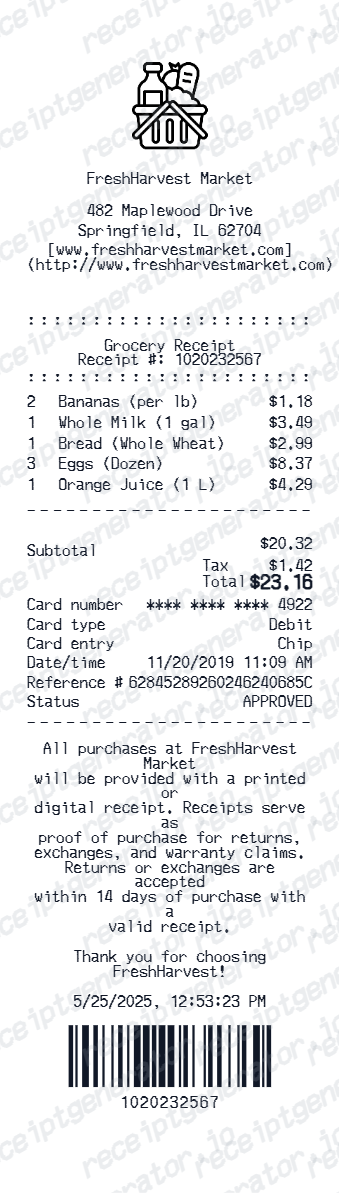
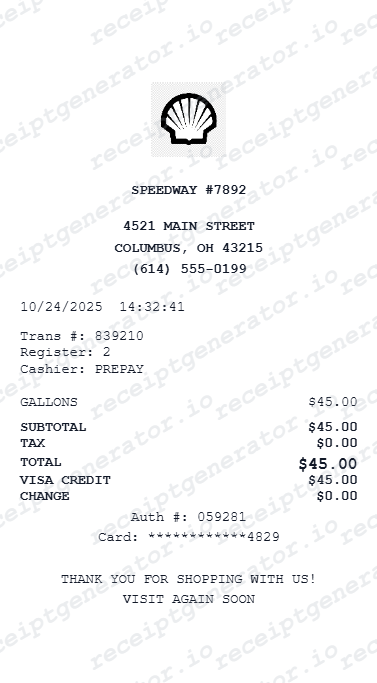
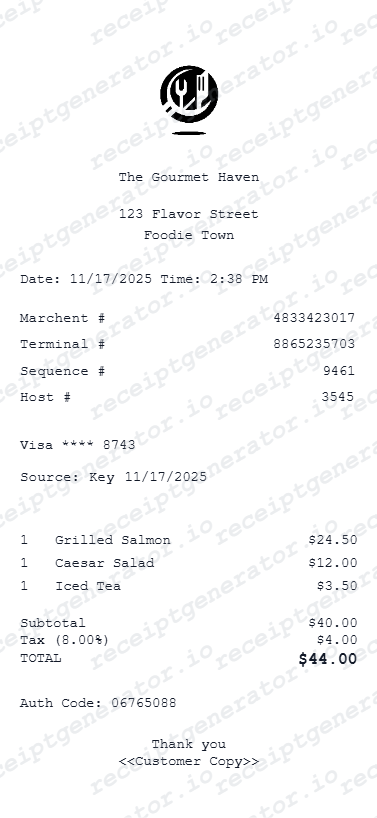
Restaurant Receipt FAQ
Find answers about creating restaurant receipts
Enter your restaurant details, add menu items with prices, set tax and tip amounts, then preview and download as PDF.
Enter tip percentage or amount and tax rate-the generator calculates and displays the correct totals.
Yes, basic features are free. Premium plans offer additional customization and export options.
A restaurant check lists each dish, tax on the food subtotal, and a separate tip line, plus table and server details. A shop receipt lists each product with its own price, tax applied per item or category, and a cashier or register number - the two formats share a business header and total but differ in line-item structure.
Add the store name, purchase date, line items, totals, tax, payment method, and any optional notes you need on your Restaurant & Shop Set template.
Yes, add as many food and drink items as needed. Totals, tax, and tip calculate automatically.
Yes, add your restaurant name, address, phone number, and other header details for an authentic look.
For a restaurant, contact the location with the date, table, or card used - most POS systems can look up and reprint or email a past check. For a shop purchase, check your email for an e-receipt if one was offered at checkout, or bring your payment card to the store for a lookup.
No. Restaurant purchases are not returnable since the food is consumed - a dining receipt only serves as proof of spend for expense reports or reimbursement, not for a refund or exchange. A retail shop receipt, by contrast, is what a store requires for an actual return or exchange within its policy window.
Both. You can use these templates for reimbursements, bookkeeping prep, and internal documentation workflows.
Receipt Generator · Receipt Maker · 300+ Free Templates
Create your Restaurant & Shop Set receipt
Use the editable Restaurant & Shop Set receipt generator to add items, tax totals, and payment details, then export a clean PDF.