Blinkit Bill Generator
Create a Blinkit-style quick-commerce grocery bill with store details and GSTIN, FSSAI licence, itemised goods, handling and delivery fees, GST, and total to pay. Preview live and download a PDF.
Create a Blinkit-style grocery bill with store details, GSTIN, FSSAI, itemised goods, handling fee, delivery fee, GST, and total. Download a print-ready PDF.

Choose
Blinkit Bill selected

Customize
Fill in your details

Download
Save or share receipt
Edit the details once and the preview updates instantly.
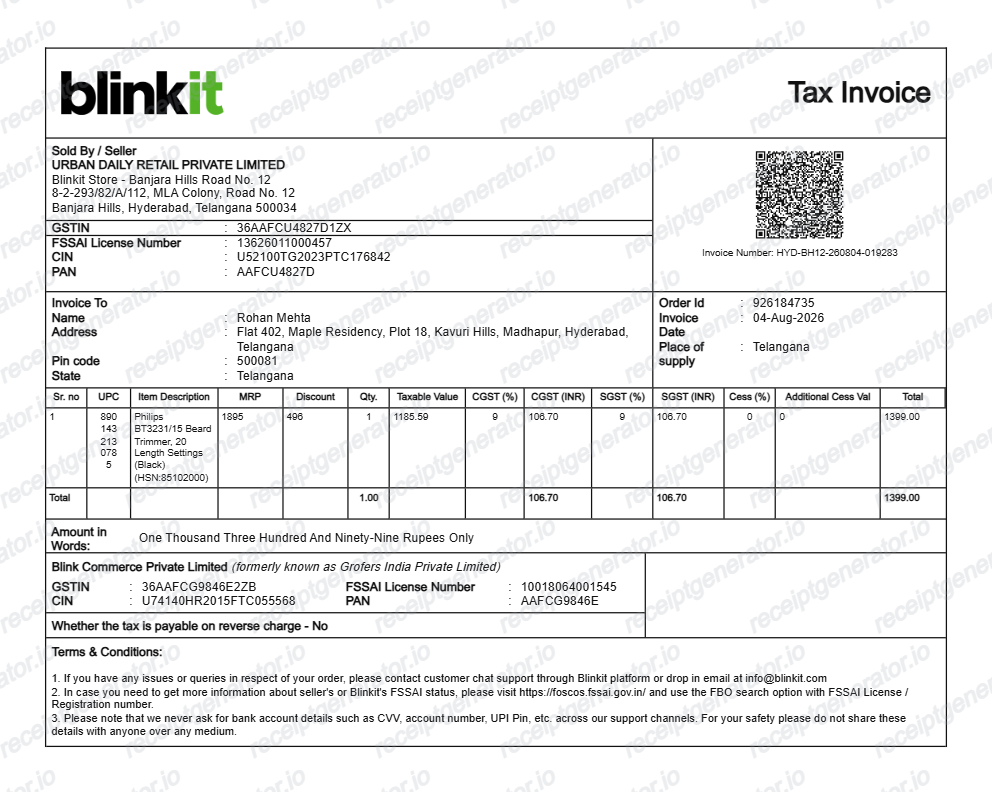
Quick summary
Blinkit grocery bill template overview
Use this Blinkit bill generator to create clean Indian quick-commerce receipts with editable grocery items, handling fees, GST splits, and order IDs.
What Is on a Real Blinkit Bill?
Blinkit issues a tax invoice for every delivered quick-commerce order, downloadable in the app. A credible recreation should match the fee structure and GST fields real Blinkit bills carry.
Local seller entity with GSTIN and FSSAI
The bill is issued by the store entity that fulfilled your 10-minute delivery, not a generic Blinkit header. It prints that seller's 15-character GSTIN and FSSAI food licence number, both required on Indian grocery invoices.
Handling and delivery fees as separate lines
Blinkit itemizes a handling charge and a delivery fee below the product lines, and adds a surge or rain fee on some orders. These fee lines are a signature of quick-commerce bills that supermarket receipts do not have.
MRP with per-item discounts
Each item shows the printed MRP alongside the discounted selling price, and the bill summarizes total savings. Quantities include pack sizes (500 g, 1 L) exactly as listed in the app at order time.
GST breakdown at mixed rates
Staple foods are 0% GST while packaged snacks, beverages, and household goods carry 5-18%, so a real bill shows tax split across rates as CGST and SGST halves rather than one flat tax line.
Optional buyer GSTIN for business orders
Since 2024, Blinkit lets buyers add a business GSTIN at checkout to receive a GST-compliant invoice for input credit claims. If no GSTIN was added, the bill is a standard consumer invoice.
Order ID and delivery timestamps
A real bill carries the Blinkit order ID (ORD prefix format) with the order date and time, which finance teams match against the UPI or card payment record.
Create a print-ready Blinkit grocery bill
Edit the layout, watch it update live, then print, download PDF, or email.
Live 10-minute grocery bill preview
See the Blinkit invoice update instantly as you edit items, handling fees, surge charges, and GST.
Print-ready PDF export
Download an official-style Blinkit PDF formatted with Rupee (₹) currency, MRP discounts, and seller GSTIN.
Itemized CGST and SGST splits
Calculates standard Indian GST splits (0% staples, 5%/12%/18% packaged food and personal care).
FSSAI & Order ID tracking
Add dark-store FSSAI licence numbers, order IDs (ORD-XXXX), and buyer business GSTIN.
Get Your Original Blinkit Bill First
Every delivered Blinkit order has a downloadable invoice: open the Blinkit app, go to Orders, select the order, and tap the invoice download option to save the PDF. Business buyers should add their GSTIN at checkout to get a GST-compliant invoice. Use this template when the original is unavailable - a deleted account, an order placed by someone else, or an invoice that never downloaded.
Office pantry & team snack reimbursement
Generate an itemized quick-commerce bill to claim office grocery and beverage expenses.
Lost invoice replacement
Recreate a Blinkit order invoice from your UPI, Paytm, or credit card transaction history.
GST input tax credit documentation
Prepare a business purchase record with buyer and seller GSTIN for corporate accounting.
Blinkit Bill Formats
Choose the Blinkit-style format that best matches your billing or expense requirements.
Standard Quick-Commerce Delivery Bill
A Blinkit bill layout with item MRP, handling fee, delivery charge, and order timestamp.
B2B GST Tax Invoice
A business grocery invoice with buyer GSTIN, seller GSTIN, FSSAI licence, and CGST/SGST tax table.
Printable Expense Slip
A clean itemised summary formatted for expense reimbursements and household budget tracking.
Related Guides
Helpful guides on creating and using these invoices and bills.
Related Templates
More free invoice and bill templates for Indian quick-commerce, grocery, and food delivery.
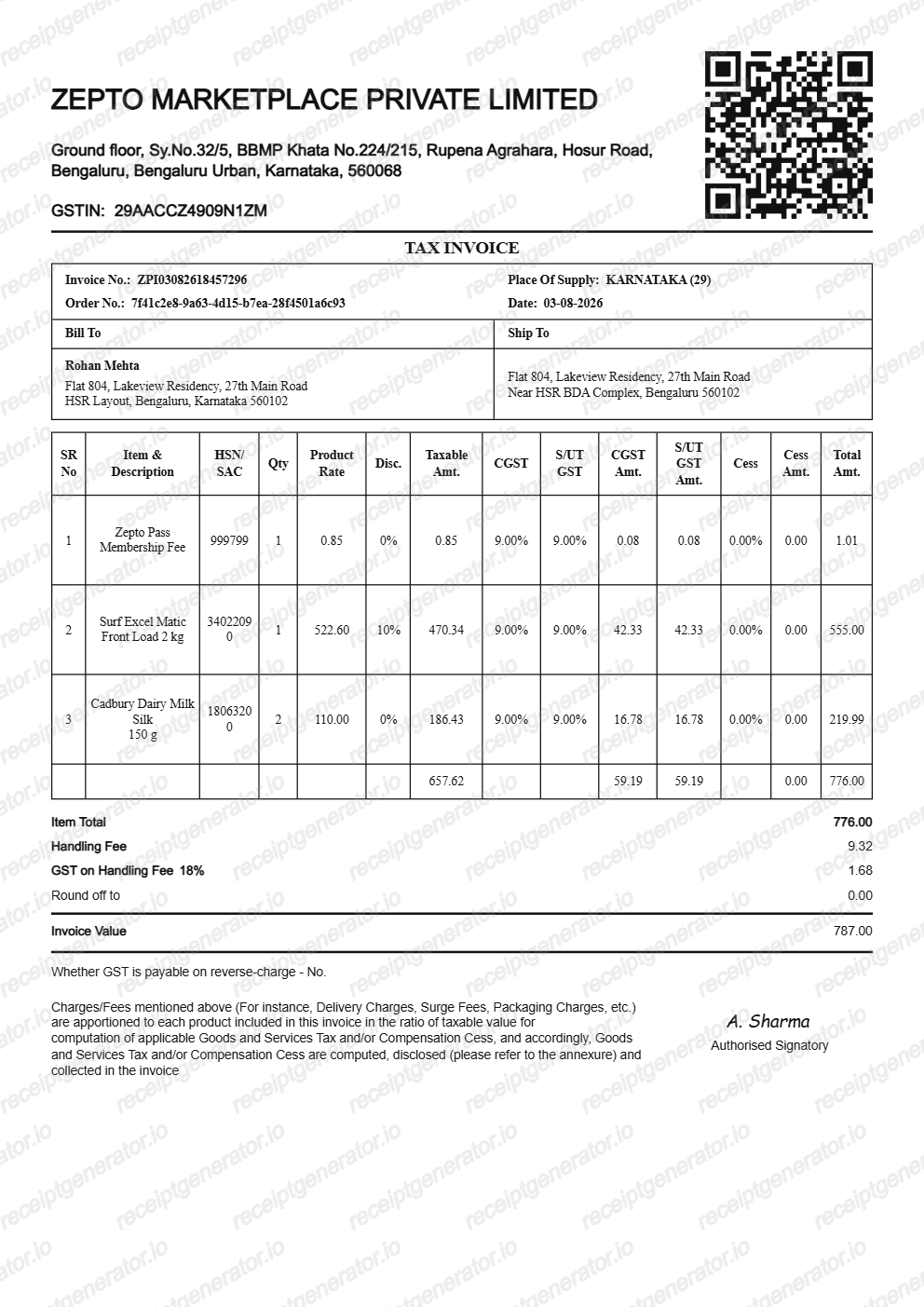
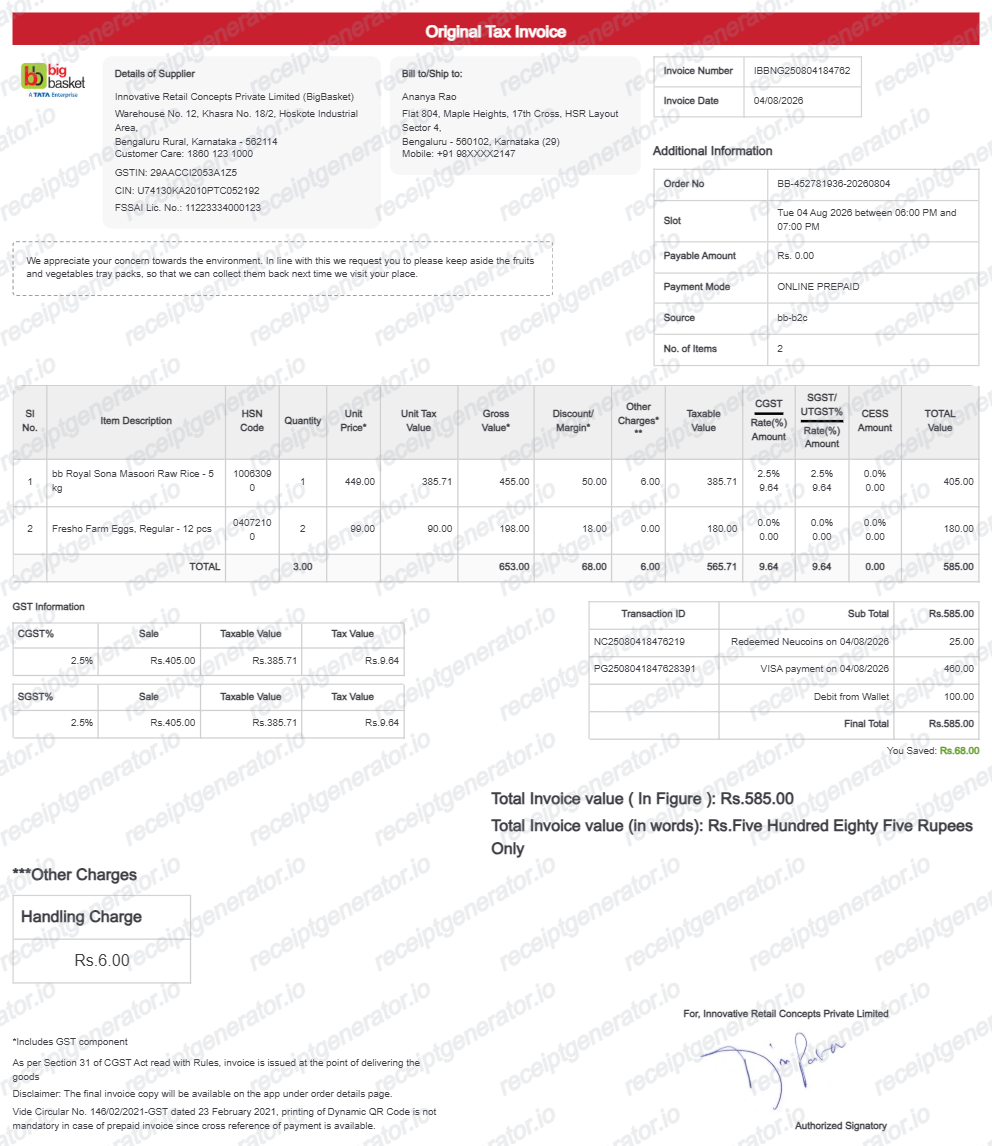
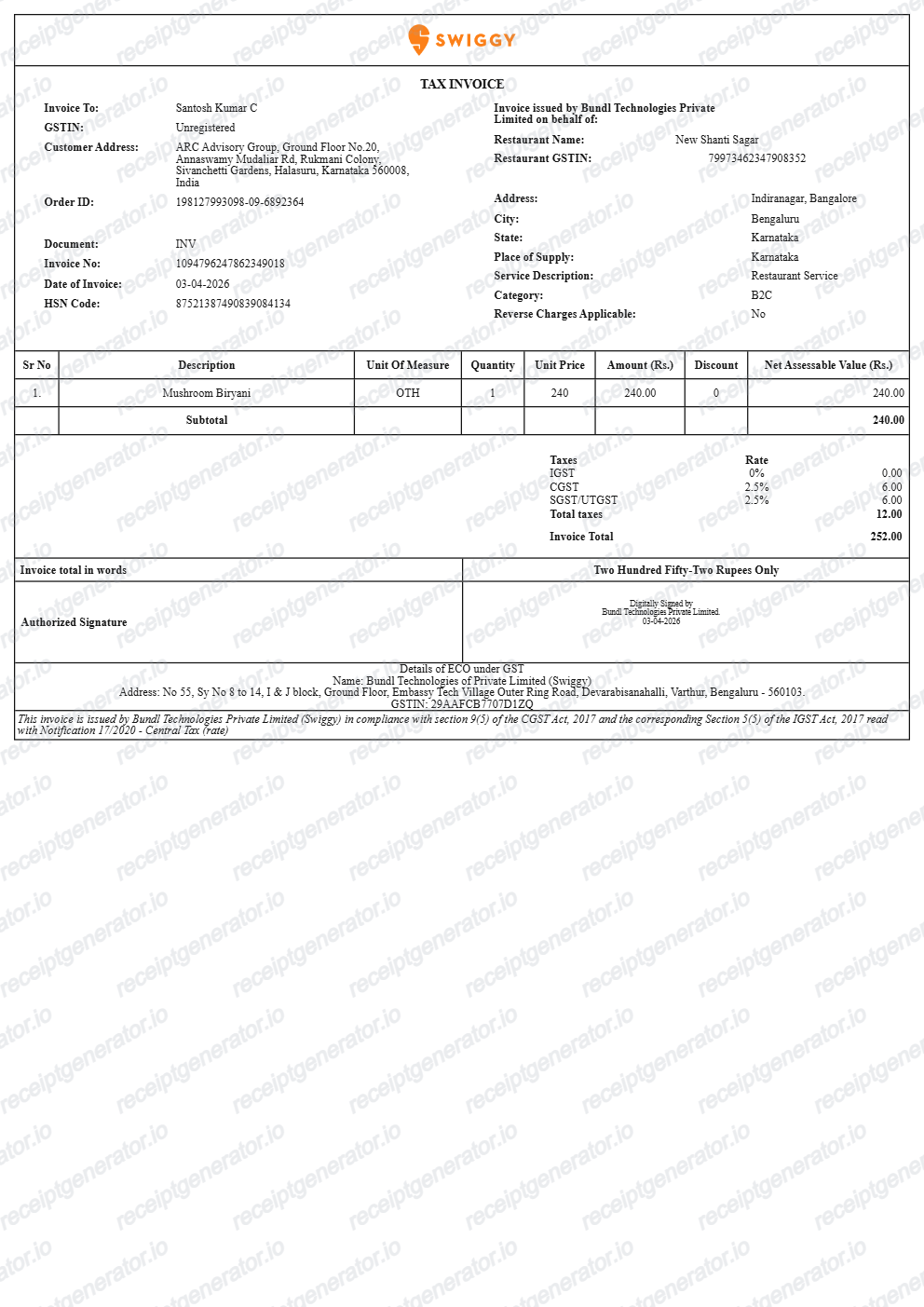
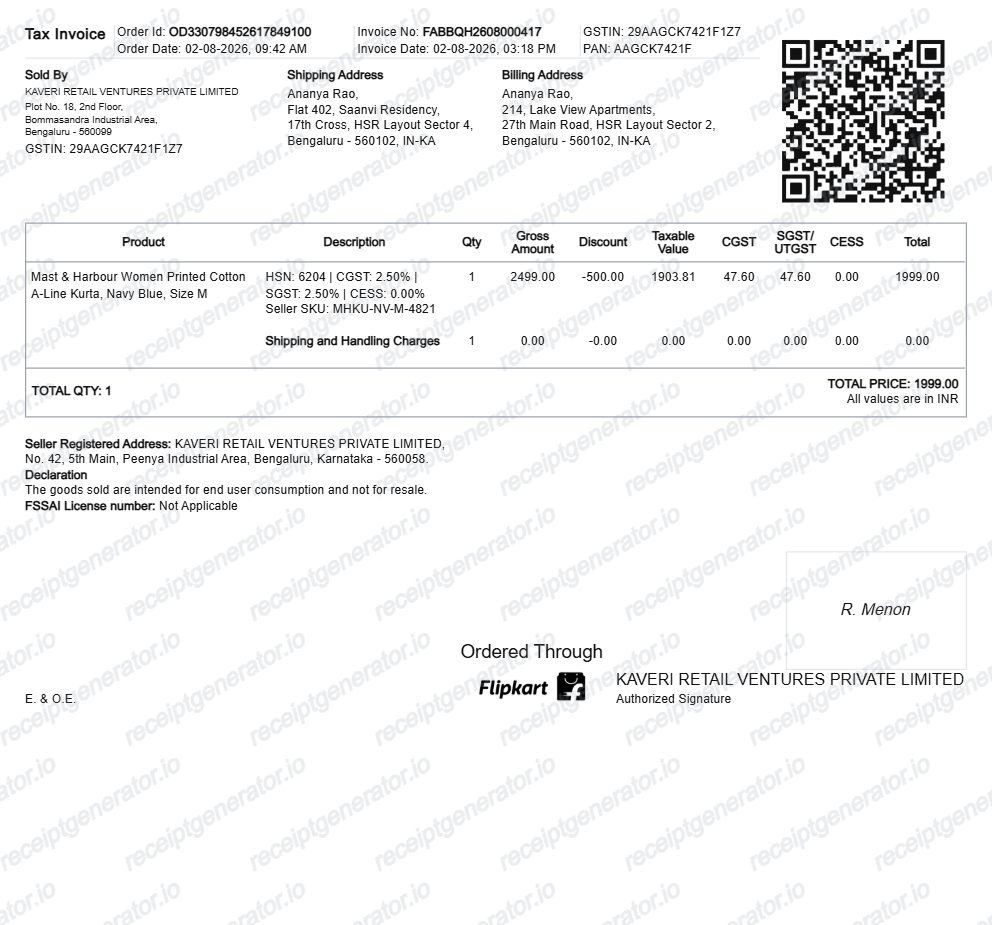
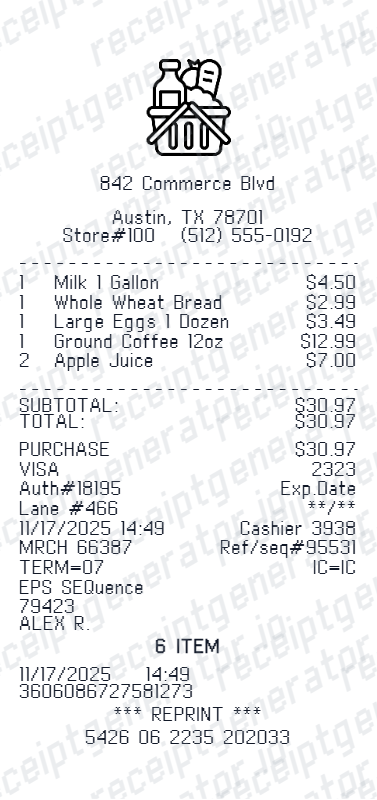
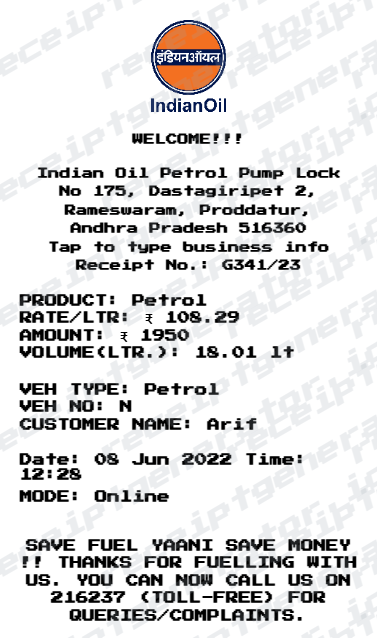
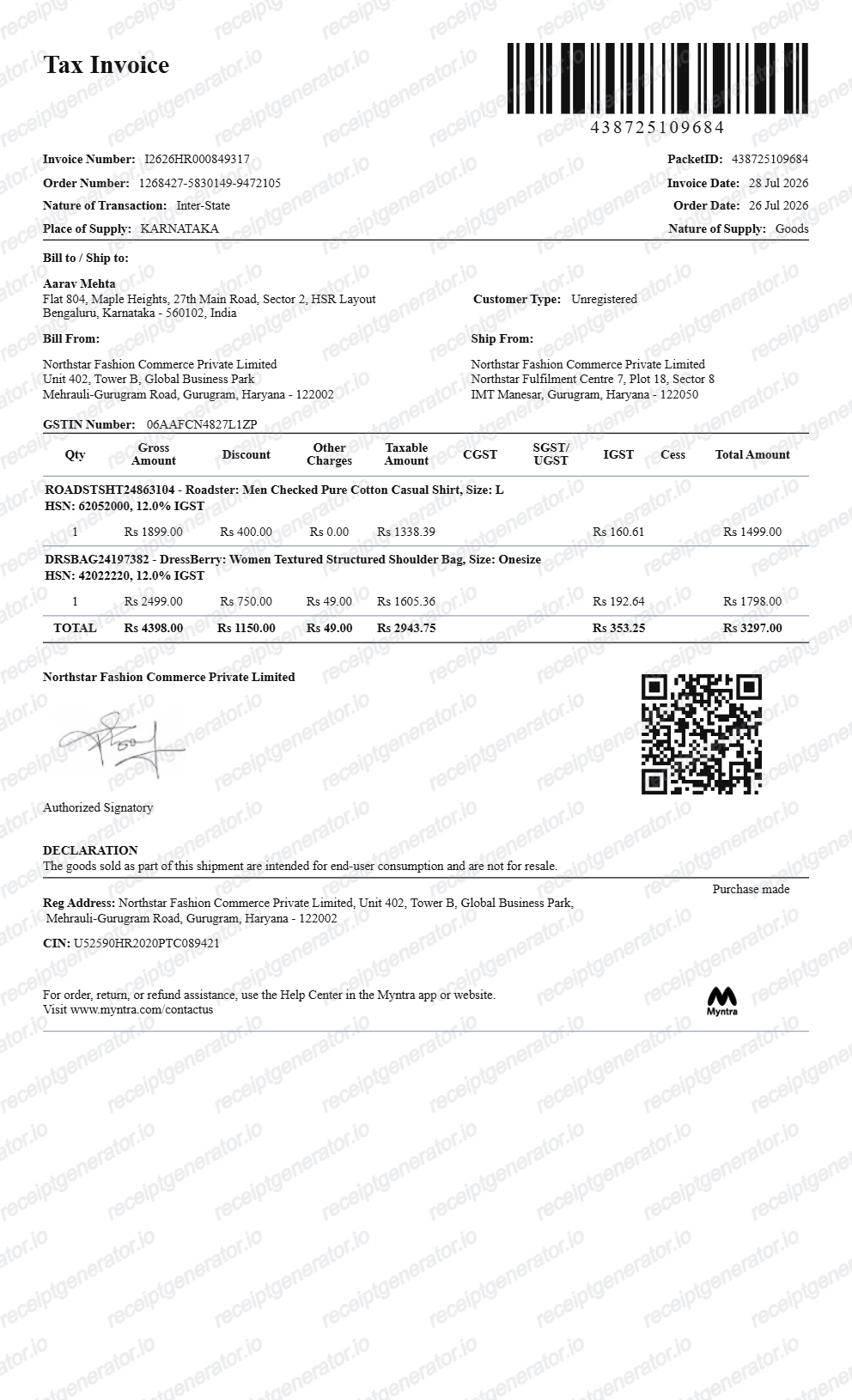
More India Receipt Templates
Browse our collection of receipt templates for various purposes.
Blinkit Grocery Bill FAQ
Common questions about creating and downloading a Blinkit-style grocery bill.
Open the Blinkit generator, edit the details, line items, charges, taxes, and total, then preview and download as a PDF.
Yes — the bill includes the GST breakdown in rupees along with item MRP, discounts, delivery fee, and handling charge, matching Blinkit's invoice structure.
Yes — export a clean PDF in seconds, free with no account needed.
A real Blinkit tax invoice names the local seller entity that fulfilled the 10-minute delivery, with its GSTIN and FSSAI licence number. Items list MRP and discounted prices, followed by separate handling charge and delivery fee lines, a GST breakdown, the order ID, and the total paid in rupees.
Add the store name, purchase date, line items, totals, tax, payment method, and any optional notes you need on your Blinkit Bill Generator template.
Yes. Every field — line items, charges, taxes, and totals — is editable so the document matches your order.
Yes — itemized quick-commerce bills work for household budgeting and office pantry reimbursement. Keep the date and total consistent with your payment record.
Open the Blinkit app, go to Orders under your profile, select the delivered order, and use the invoice download option to save the tax invoice PDF. For business purchases, add your GSTIN at checkout so the invoice is issued as a GST-compliant document - it cannot be converted afterward.
Yes, if you added your business GSTIN at checkout. Blinkit rolled out GST invoicing for businesses in 2024, letting registered buyers receive GST-compliant invoices and claim input credit - most valuable on higher-rate categories like electronics, since many staple groceries carry 0% GST.
Both. You can use these templates for reimbursements, bookkeeping prep, and internal documentation workflows.
Receipt Generator · Receipt Maker · 300+ Free Templates
Create your Blinkit bill
Use the editable Blinkit bill generator to add items, handling fees, GSTIN, and payment details, then export a clean PDF.