Myntra Invoice Generator
Create a Myntra-style GST tax invoice with seller details and GSTIN, order details, HSN apparel line items, CGST/SGST or IGST, and grand total. Preview live and download a PDF.
Create a Myntra-style GST tax invoice with sold-by seller, GSTIN, order and invoice numbers, place of supply, HSN apparel items, taxes, and grand total. Download a print-ready PDF.

Choose
Myntra Invoice selected

Customize
Fill in your details

Download
Save or share receipt
Edit the details once and the preview updates instantly.
Quick summary
Myntra fashion invoice template overview
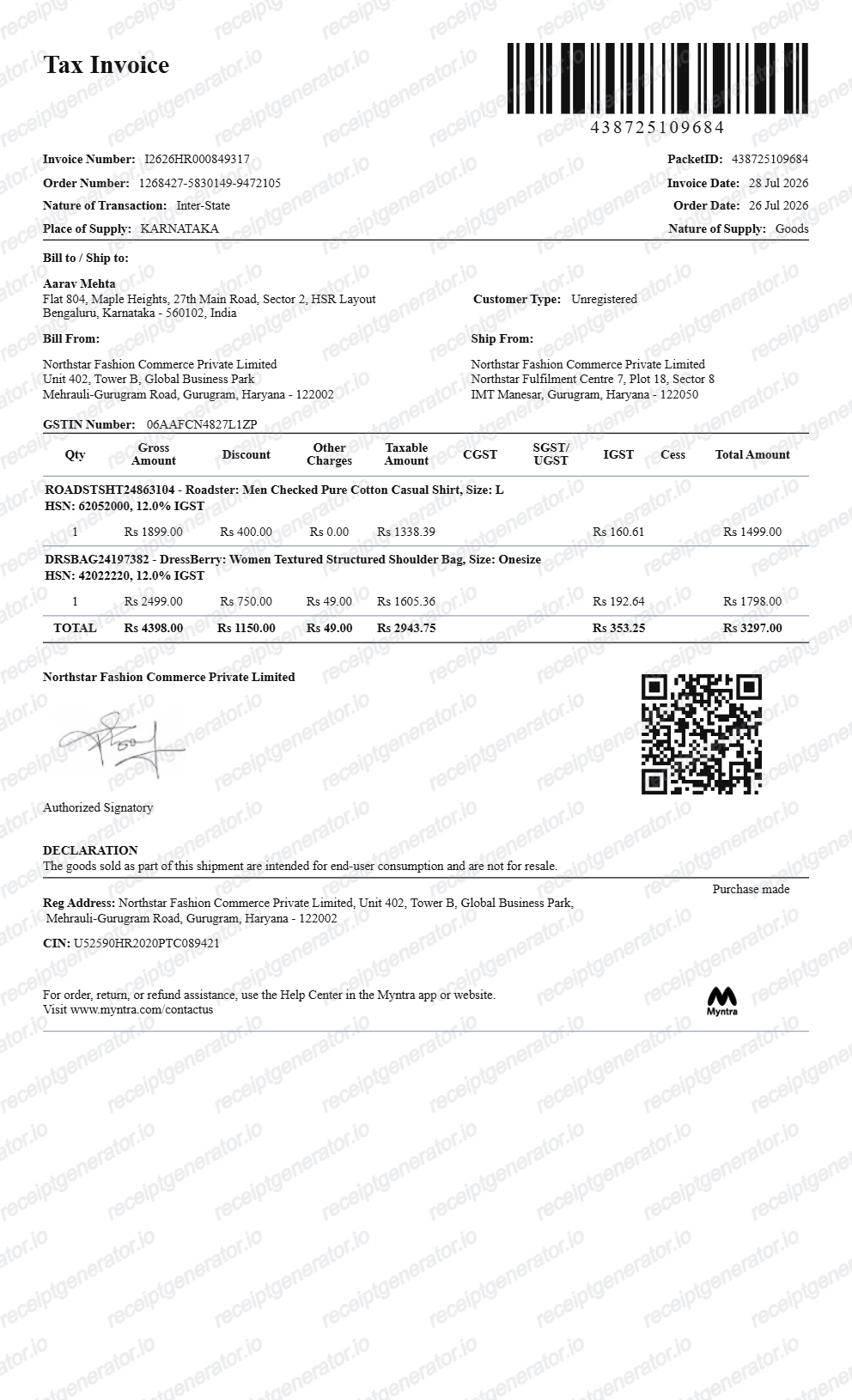
Use this Myntra invoice generator to build clean Indian apparel and fashion tax invoices with editable items, HSN codes, GST splits, and coupon discounts.
What Is on a Real Myntra Tax Invoice?
Myntra is a marketplace, so the tax invoice actually comes from the third-party seller who fulfilled your order. A credible replacement copy should match that seller GST invoice structure field for field.
Sold-by seller and GSTIN
The invoice header names the registered seller - not Myntra - with the seller's address and 15-character GSTIN. Under Indian GST law every e-commerce seller must be GST registered, so a Myntra invoice without a GSTIN would not match the real format.
Order number and invoice number
A real Myntra invoice carries both the Myntra order ID and a separate seller invoice number, along with the order date and invoice date. Expense reviewers usually reference the invoice number, not the order ID.
HSN code on every apparel line
GST invoices must show the HSN classification for each item. Apparel falls under HSN chapters 61 (knitted) and 62 (woven), so each garment line pairs the product description with its HSN code.
GST rate tied to the garment price
Under the GST 2.0 rate structure, garments priced up to Rs 2,500 attract 5% GST while higher-priced apparel is taxed at 18%. The rate applied on the invoice depends on the item price, not on Myntra as a platform.
CGST/SGST or IGST split
When the seller and delivery address are in the same state, tax splits into CGST and SGST; inter-state shipments show a single IGST line. The place of supply printed on the invoice determines which applies.
MRP, discount, and final price in rupees
Each line shows the listed price, any Myntra discount or coupon as a deduction, and the taxable value, with the grand total in Indian rupees. Discounts appear on the invoice rather than being silently absorbed.
Create a print-ready Myntra tax invoice
Edit the layout, watch it update live, then print, download PDF, or email.
Live fashion invoice preview
See the Myntra invoice update live with apparel items, HSN chapters 61/62, seller GSTIN, and coupon savings.
A4 PDF export with GST details
Download an official-style Myntra fashion tax invoice with Rupee (₹) currency and seller credentials.
Dual GST slab calculation
Accurately applies 5% GST for garments under ₹2,500 and 18% for premium apparel and accessories.
Order ID & delivery tracking
Include Myntra order numbers, seller invoice IDs, courier tracking numbers, and delivery addresses.
Get Your Original Myntra Invoice First
If the order is still in your account, the original is always better: open the Myntra app, go to Orders, select the delivered item, and tap Get Invoice to download the seller's GST tax invoice PDF - the option appears only after delivery, and the file saves to your phone's download folder. Use this template when the original is unavailable - a deleted account, an order that no longer shows an invoice option, or a purchase made by someone else.
Office attire & corporate dress code reimbursement
Generate an itemised fashion invoice for corporate clothing allowances and business uniform claims.
Brand return & exchange documentation
Recreate an authentic Myntra purchase invoice for warranty claims or brand returns.
Personal wardrobe budget tracking
Keep structured records of online fashion, footwear, and accessory purchases in ₹.
Myntra Invoice Formats
Choose the Myntra-style invoice format that best fits your reimbursement or recordkeeping needs.
Standard Fashion Retail Invoice
A Myntra tax invoice layout with apparel descriptions, size/colour, HSN codes, and coupon discounts.
B2B GST Tax Invoice
An invoice with buyer business GSTIN, seller GSTIN, and state tax breakdown table.
Return & Exchange Invoice Slip
An invoice copy showing order ID, return window details, and item price breakdown.
Related Guides
Helpful guides on creating and using these invoices and bills.
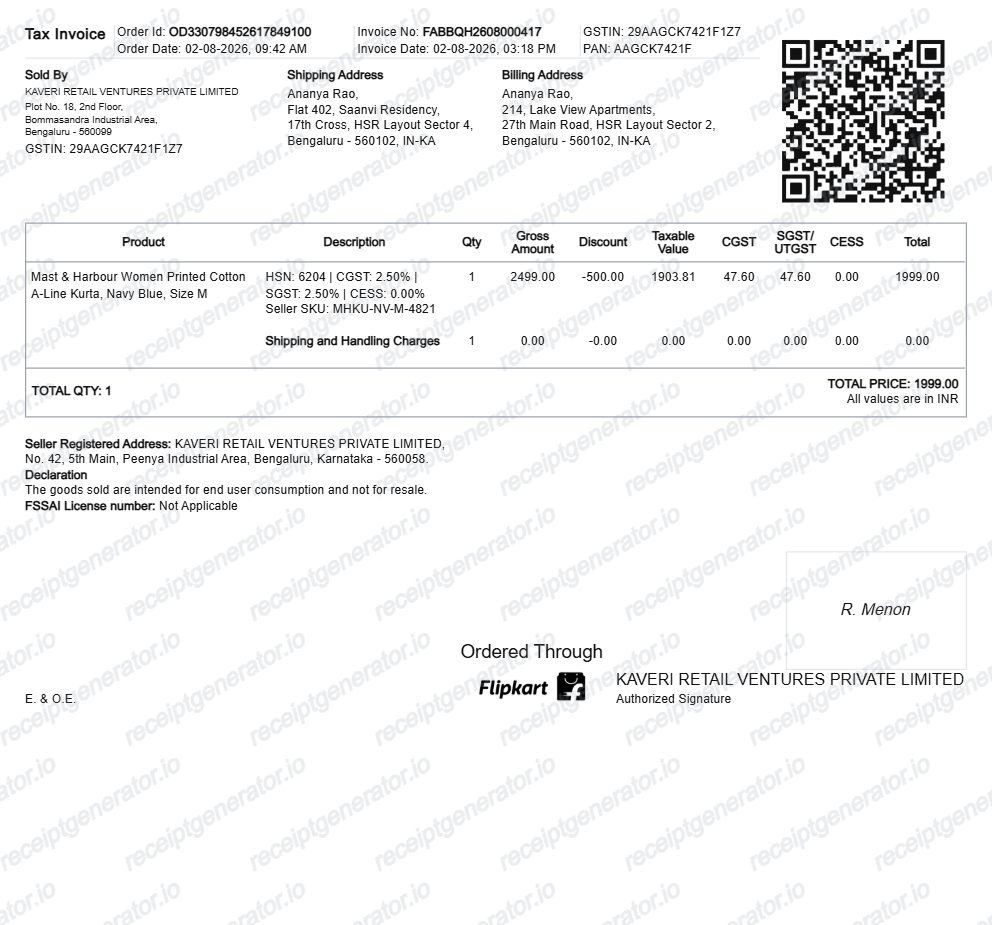
How to Download a Flipkart Invoice
Where to find your Flipkart GST tax invoice and how to rebuild a clean copy.
Explore How to Download a Flipkart InvoiceGST Invoice Format
The mandatory fields a GST-compliant tax invoice needs in India.
Explore GST Invoice FormatHow to Download Your Myntra Invoice
How to download a tax invoice from Myntra — open Orders in the app or on myntra.com, select the order, and download the invoice PDF for returns, records, or reimbursement.
Explore How to Download Your Myntra InvoiceRetail Receipt for Expense Reports
See which fields a store receipt needs to qualify for expense report or reimbursement submission.
Explore Retail Receipt for Expense ReportsRelated Templates
More free invoice and bill templates for Indian fashion, e-commerce, and lifestyle shopping.
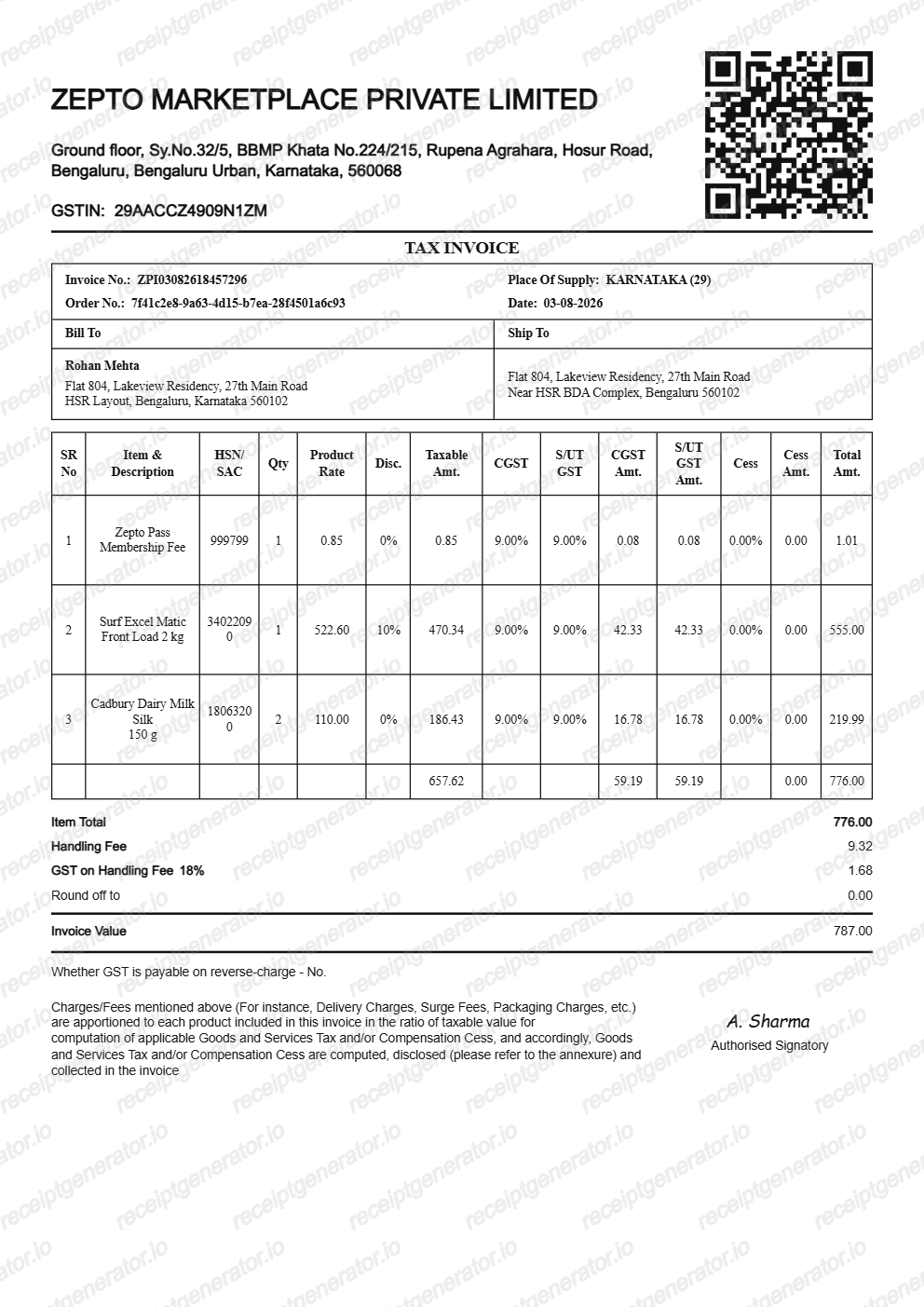
More India Receipt Templates
Browse our collection of receipt templates for various purposes.
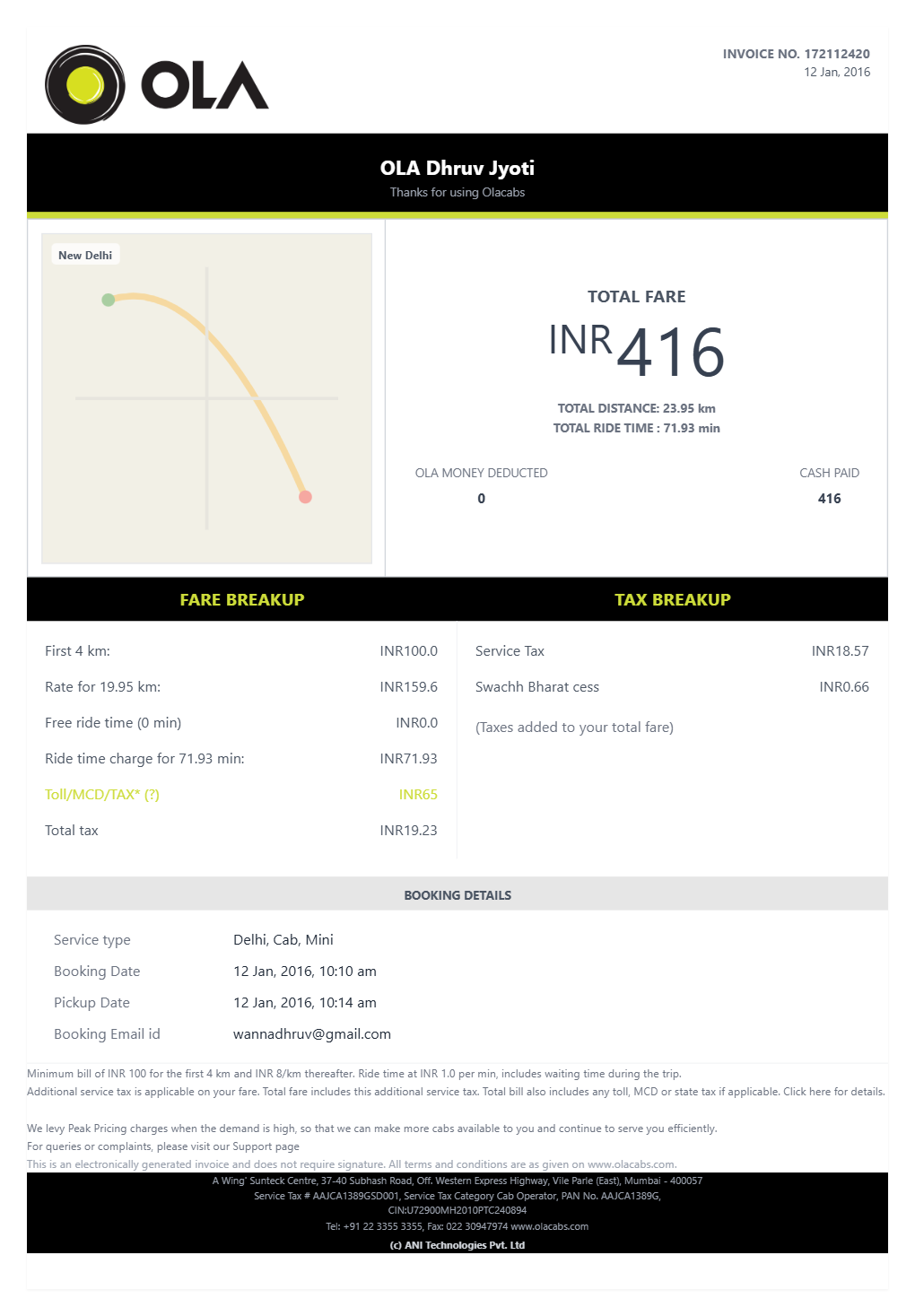
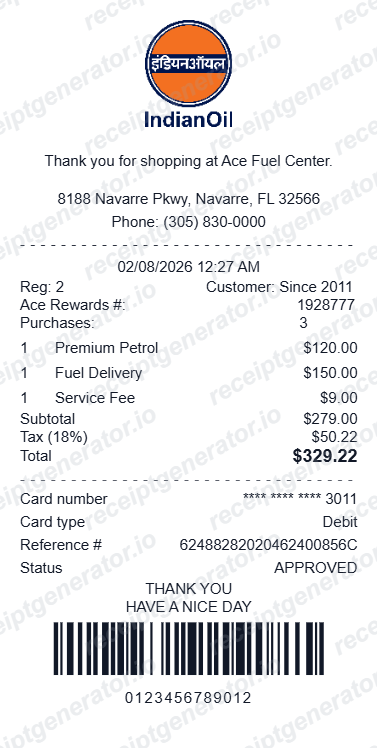
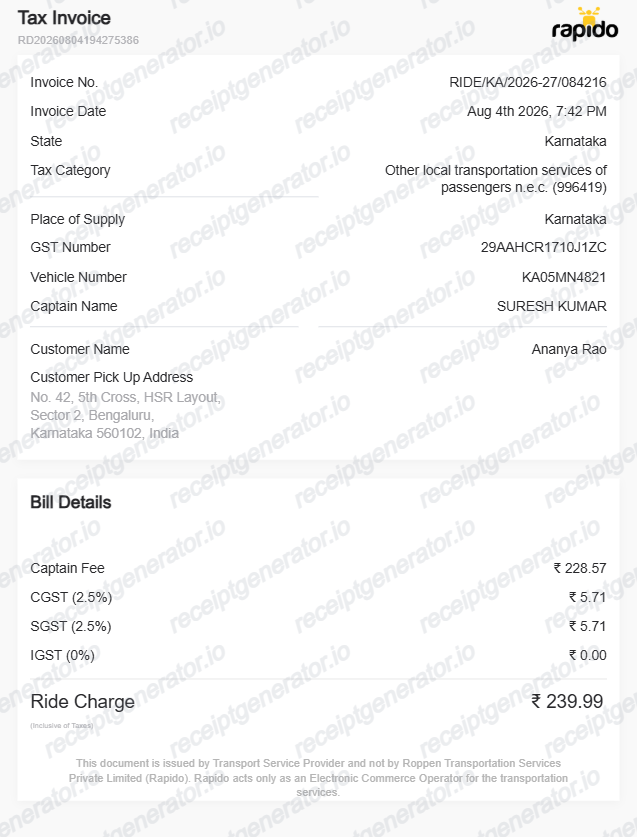
Myntra Tax Invoice FAQ
Common questions about creating and downloading a Myntra-style tax invoice.
Open the Myntra generator, edit the details, line items, charges, taxes, and total, then preview and download as a PDF.
Yes — the tax invoice includes the GST breakdown with item MRP, discount, and final price in ₹, matching Myntra's invoice structure.
Yes — one-click PDF export, free with no account.
A real Myntra tax invoice is issued by the third-party seller, not Myntra itself, and shows the sold-by seller name, address, and 15-character GSTIN, the order number and a separate invoice number, each garment with its HSN code, the MRP, discount, and final price in rupees, and a CGST/SGST or IGST breakdown based on the place of supply.
Add the store name, purchase date, line items, totals, tax, payment method, and any optional notes you need on your Myntra Invoice Generator template.
Yes. Every field — line items, charges, taxes, and totals — is editable so the document matches your order.
For official returns use the Myntra app. This template is for personal records, wardrobe expense tracking, and reimbursement files when the original is unavailable.
Open the Myntra app, go to Orders, select the delivered item, and tap Get Invoice - the option only appears after the order is successfully delivered. The PDF saves to your phone's download folder. For undelivered orders there is no invoice option yet, so wait for delivery or contact Myntra support.
Yes. Myntra returns are handled entirely in the app - open Orders, select the item, and choose Return; the pickup agent verifies the item and tags, not a paper invoice. The invoice matters more for expense claims, reimbursement files, and GST input credit on business purchases, where finance teams expect the seller's GST tax invoice.
Both. You can use these templates for reimbursements, bookkeeping prep, and internal documentation workflows.
Receipt Generator · Receipt Maker · 300+ Free Templates
Create your Myntra invoice
Use the editable Myntra invoice generator to add items, HSN codes, GST rates, and order details, then export a clean PDF.