UPS Shipping Receipt Example
See exactly what a UPS shipping receipt looks like — tracking number, UPS service level, package weight and zone, residential and delivery area surcharge, fuel surcharge, declared value, and total. Use the editable template to recreate or customize one.
See what a real UPS receipt looks like with all fields explained — tracking number, service level (Ground/2-Day Air/Next Day Air), package weight, zone, residential surcharge, delivery area surcharge, fuel surcharge, declared value, and payment. Use the editable template to recreate a UPS receipt.

Choose
UPS Shipping Receipt Example selected

Customize
Fill in your details

Download
Save or share receipt
Edit the details once and the preview updates instantly.
Quick summary
UPS receipt example overview
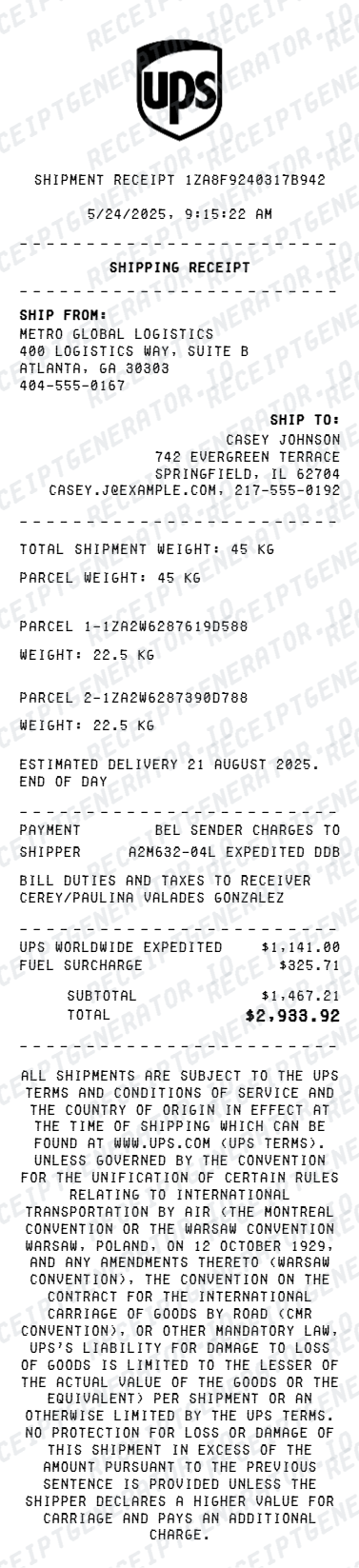
A standard UPS shipping receipt includes the 1Z tracking number, shipment date, sender and recipient addresses, service level, package weight and zone, fuel surcharge, residential or delivery area surcharge, declared value, taxes, total, and payment method.
What's on a UPS Shipping Receipt?
A UPS shipping receipt is a detailed itemized document covering all charges for the shipment. Understanding each section helps you verify charges, dispute fees, or recreate a receipt when the original is missing.
Shipment header
UPS logo, 1Z tracking number, shipment date, UPS account number, and shipper reference number if assigned.
Sender and recipient details
Full name, company (if applicable), street address, city, state, ZIP code, and country for both the shipper and the recipient.
Service and package details
UPS service level (Ground, 2nd Day Air, Next Day Air Saver, Next Day Air), actual weight, billable weight if dimensional weight applies, delivery zone (1–8), and package type.
Surcharges and fees
Fuel surcharge (percentage of transportation charge), residential delivery surcharge or delivery area surcharge for remote ZIP codes, additional handling fee for irregular packages, and declared value charge if value exceeds the standard liability limit.
Total and payment
Base transportation charge, all surcharges subtotaled, applicable taxes, grand total, and payment method with masked UPS account or card number.
See what a UPS receipt looks like
Edit the layout, watch it update live, then print, download PDF, or email.
See a real UPS receipt format
Preview a complete UPS shipping receipt with 1Z tracking number, sender and recipient addresses, service level, zone, itemized surcharges, and payment.
Editable field-by-field
Edit any field in the UPS receipt example — tracking number, service level, package weight, zone, fuel surcharge, residential surcharge, and payment — to match your actual shipment.
Download as PDF
Export the completed UPS receipt example as a clean PDF for shipping expense records, insurance claims, or business reimbursement.
Mobile-friendly editor
View and edit the UPS receipt example from desktop, tablet, or phone without installing any software.
Looking for a UPS Receipt Example?
This UPS receipt example shows the standard format — 1Z tracking number, sender and recipient addresses, service level, package weight and zone, itemized surcharges, and payment. Use the generator to build your own.
Verify a receipt format
Use this UPS receipt example to check that a shipping receipt has the correct tracking number, service level, zone, itemized surcharges, and tax breakdown.
Understand receipt fields
Learn what the fuel surcharge, delivery area surcharge, zone, billable weight, and declared value charge mean on a UPS receipt.
Recreate a lost UPS receipt
Use the receipt example as a reference to fill in the generator with your 1Z tracking number, shipment details, surcharges, and payment when the original is missing.
Business shipping expense records
Use a UPS receipt example as a reference when documenting shipping charges for corporate expense reimbursement or business tax deductions.
UPS Receipt Formats
UPS shipping receipts follow the same itemized format across all service levels, with base rate, zone, and applicable surcharges varying based on the selected service and destination.
UPS Ground Receipt
A UPS Ground receipt showing 1Z tracking number, origin and destination, billable weight, zone, ground base rate, residential delivery surcharge, fuel surcharge, and total.
UPS 2nd Day Air Receipt
A UPS 2nd Day Air receipt showing guaranteed two-business-day delivery, package weight and zone, air base rate, fuel surcharge, and payment method.
UPS Next Day Air Receipt
A UPS Next Day Air receipt showing next-business-morning delivery commitment, package weight, zone, overnight base rate, fuel surcharge, declared value charge, and total.
Shipping Receipt Guides
Read supporting guides for shipping receipts, business expense documentation, and how to recover lost shipping records.
Restaurant Receipt for Reimbursement
See what expense teams require from receipts for reimbursement approval and which fields must be present.
Read guideLost Restaurant Receipt
How to recover or recreate a receipt when the original is lost or was never saved.
Read guideRestaurant Receipt for Taxes
Review what receipt fields are needed for business shipping and expense tax deductions.
Read guideRepair Receipt for Insurance Claims
See which service and payment fields make a repair or service record easier to review.
Read guideRepair Receipt Lookup
Learn where service receipts usually come from before you create a cleaner backup copy.
Read guideHow to Make a Receipt for Taxes
Review the fields that make service and donation receipts easier to use for documentation.
Read guideRelated Other Receipt Templates
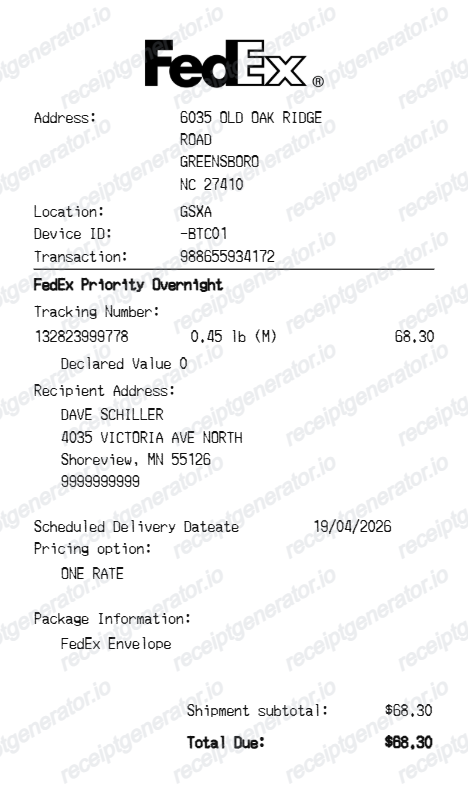
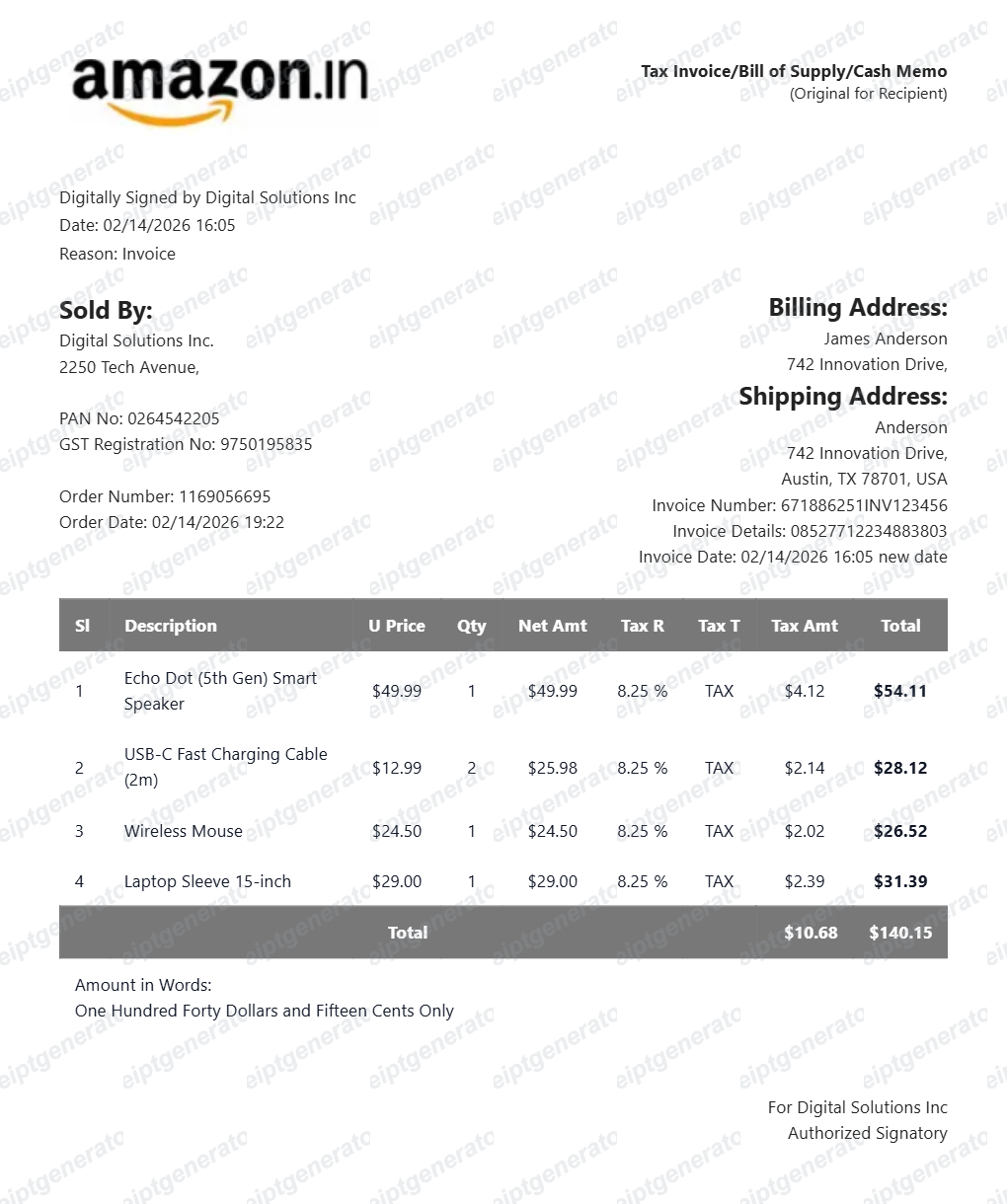
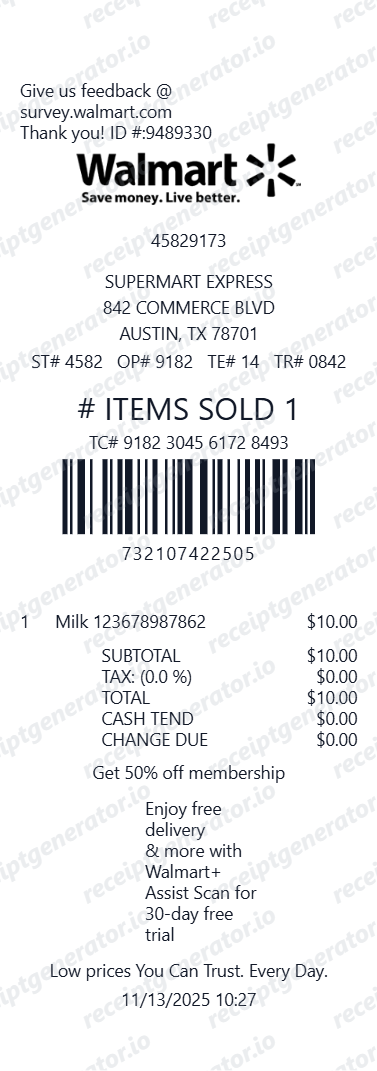
More receipt examples showing the format, fields, and layout of popular shipping and retail receipts.
UPS Shipping Receipt Example FAQ
Common questions about what a UPS receipt looks like, what the 1Z tracking number and delivery area surcharge mean, and how to recover or recreate a UPS shipping receipt.
A UPS receipt shows the tracking number, shipment date, sender and recipient addresses, service level (such as UPS Ground, 2nd Day Air, or Next Day Air), package weight, zone, itemized surcharges including fuel surcharge and residential or delivery area surcharge, declared value, and total charge with payment method.
A UPS receipt includes the tracking number, shipment date, sender and recipient names and addresses, service level, package weight (actual and billable), zone, base transportation charge, fuel surcharge, residential delivery surcharge or delivery area surcharge if applicable, declared value charge, additional handling fees, taxes, total, and payment method.
Yes. UPS emails shipping receipts to the account holder after each shipment. You can also log in to ups.com, open Shipping History, and download a PDF invoice for any shipment. Contact UPS billing support with your tracking number or 1Z number if the shipment is not visible in your history.
Add the store name, purchase date, line items, totals, tax, payment method, and any optional notes you need on your UPS Shipping Receipt Example template.
The UPS tracking number is a 1Z identifier — an 18-character alphanumeric string beginning with '1Z' — printed near the top of the receipt and on the shipping label. It uniquely identifies the shipment and is used to track the package on ups.com or the UPS app. Keep the receipt to retain this number for any delivery inquiries.
The UPS delivery area surcharge applies to shipments destined for ZIP codes that are remote or extended from a UPS hub, typically rural areas that require additional routing. It appears as a separate line item labeled 'Delivery Area Surcharge' or 'Extended Delivery Area Surcharge' and varies by package type and destination zone.
Use the UPS Receipt Generator to enter the tracking number, shipment date, sender and recipient addresses, service level, package weight, zone, surcharges, declared value, and payment information. Preview and export a PDF that matches the standard UPS shipping receipt format.
Both. You can use these templates for reimbursements, bookkeeping prep, and internal documentation workflows.
Receipt Generator · Receipt Maker · 200+ Free Templates
Need to recreate a UPS receipt?
Use the editable UPS Receipt Generator to enter tracking number, shipment details, surcharges, and payment, then export a clean PDF.