Rapido Receipt Generator
Create a Rapido-style ride receipt with ride ID, captain and vehicle details, pickup and drop, distance and duration, fare breakdown, and UPI payment. Preview live and download a PDF.
Create a Rapido-style ride receipt with ride ID, captain and vehicle, pickup/drop, distance, duration, base/distance/time fare, platform fee, and total. Download a PDF for expense records.

Choose
Rapido Receipt selected

Customize
Fill in your details

Download
Save or share receipt
Edit the details once and the preview updates instantly.
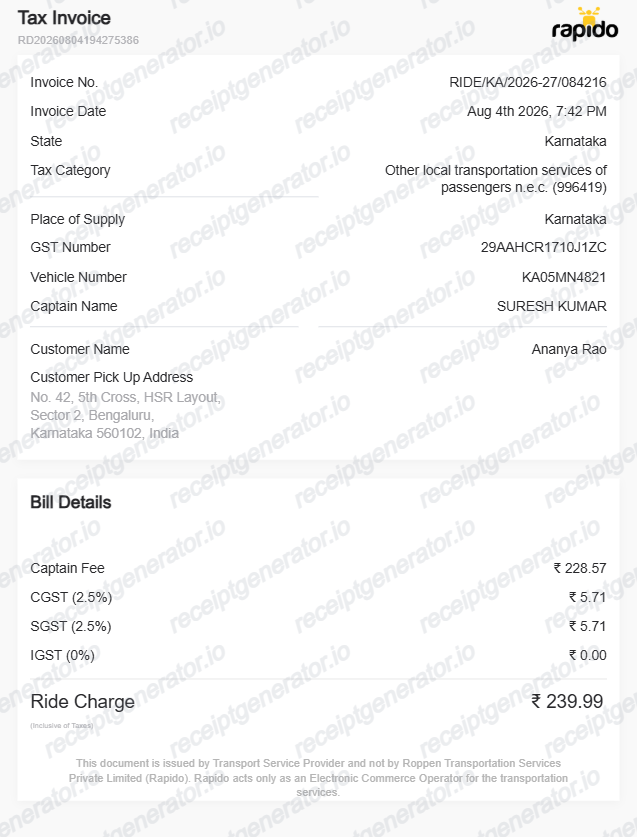
Quick summary
Rapido ride receipt template overview
Use this Rapido receipt generator to create clean Indian bike-taxi and auto-rickshaw ride receipts with editable fares, routes, and captain details.
What Is on a Real Rapido Receipt?
Rapido (Roppen Transportation Services Pvt Ltd) runs India's largest bike-taxi network alongside auto and cab options, and its receipts reflect the lower fare structure that two-wheeler rides use.
Lower base fare and per-km rate than car rides
Bike-taxi receipts start from a base fare typically in the ₹25-35 range with a per-km rate around ₹7-9 - noticeably lower than car-based rideshare fares, since the vehicle and running cost are smaller.
GST invoice requested by email, not an in-app download
Rapido does not have a one-tap Download Invoice button; riders request an invoice and it's emailed to the address on the account, from where it can be downloaded as a PDF.
GST treatment differs from cab rides
Passenger transport by non-air-conditioned contract carriage, which covers many bike-taxi and auto rides, is often exempt from or taxed differently than GST on app-based cab bookings - the receipt should reflect whichever treatment applies to that ride category rather than assuming a flat cab-style GST line.
Captain, vehicle, and ride ID
Each receipt lists the captain's (driver's) name, two-wheeler registration number, pickup and drop-off points, distance and duration, and a unique ride ID for support reference.
Fare broken down by component
The bill itemizes base fare, distance charge, time charge, and platform fee separately, plus any surge multiplier or promo discount applied - matching the estimate shown before the ride was booked.
Create a print-ready Rapido ride receipt
Edit the layout, watch it update live, then print, download PDF, or email.
Live bike-taxi & auto receipt preview
See the Rapido trip receipt update in real time with base fares, distance/time charges, and platform fees.
Print-ready PDF export
Download an official Rapido-style ride receipt in PDF format with INR (₹) amounts and ride IDs.
Captain & vehicle registration details
Add captain name, motorcycle/auto registration number, pickup and drop-off locations, and GPS distance.
5% transport GST & toll breakdown
Include passenger road transport GST, night surcharges, and toll charge items.
Get Your Original Rapido Receipt First
Rapido emails ride receipts upon request through the app: open the Rapido app, go to My Rides, select the completed trip, and tap Request Invoice to receive the PDF copy via email. Use this template when the original email was deleted, your account is inaccessible, or you need to compile offline travel claims.
Daily commute & local travel reimbursement
Claim daily office commutes, client meetings, and field work bike-taxi or auto fares.
Lost ride invoice replacement
Recreate a Rapido ride receipt from your UPI, Paytm, or SMS transaction alert.
Business travel expense reporting
Document monthly city travel and courier runs with pickup/drop locations and timestamps.
Rapido Receipt Formats
Choose the Rapido ride receipt format that matches your vehicle type and expense documentation.
Bike-Taxi Fare Receipt
A Rapido bike-taxi receipt layout showing low base fare, per-km rate, and captain details.
Rapido Auto / Cab Receipt
An auto-rickshaw or cab booking receipt with metered fare, platform fee, and 5% GST.
Corporate Local Travel Invoice
A business travel expense slip with Roppen Transportation details, route map, and payment mode.
Related Guides
Explore related guides to understand the receipt details, lookup steps, and documentation workflows.
Uber Receipt for Reimbursement
Learn which trip details finance teams usually need from a rideshare receipt.
Explore Uber Receipt for ReimbursementLyft Receipt for Reimbursement
See how rideshare receipts are typically reviewed for travel and client-billing records.
Explore Lyft Receipt for ReimbursementTaxi Receipt Generator Guide
Explore the difference between taxi, rideshare, and airport-transfer receipt records.
Explore Taxi Receipt Generator GuideRelated Templates
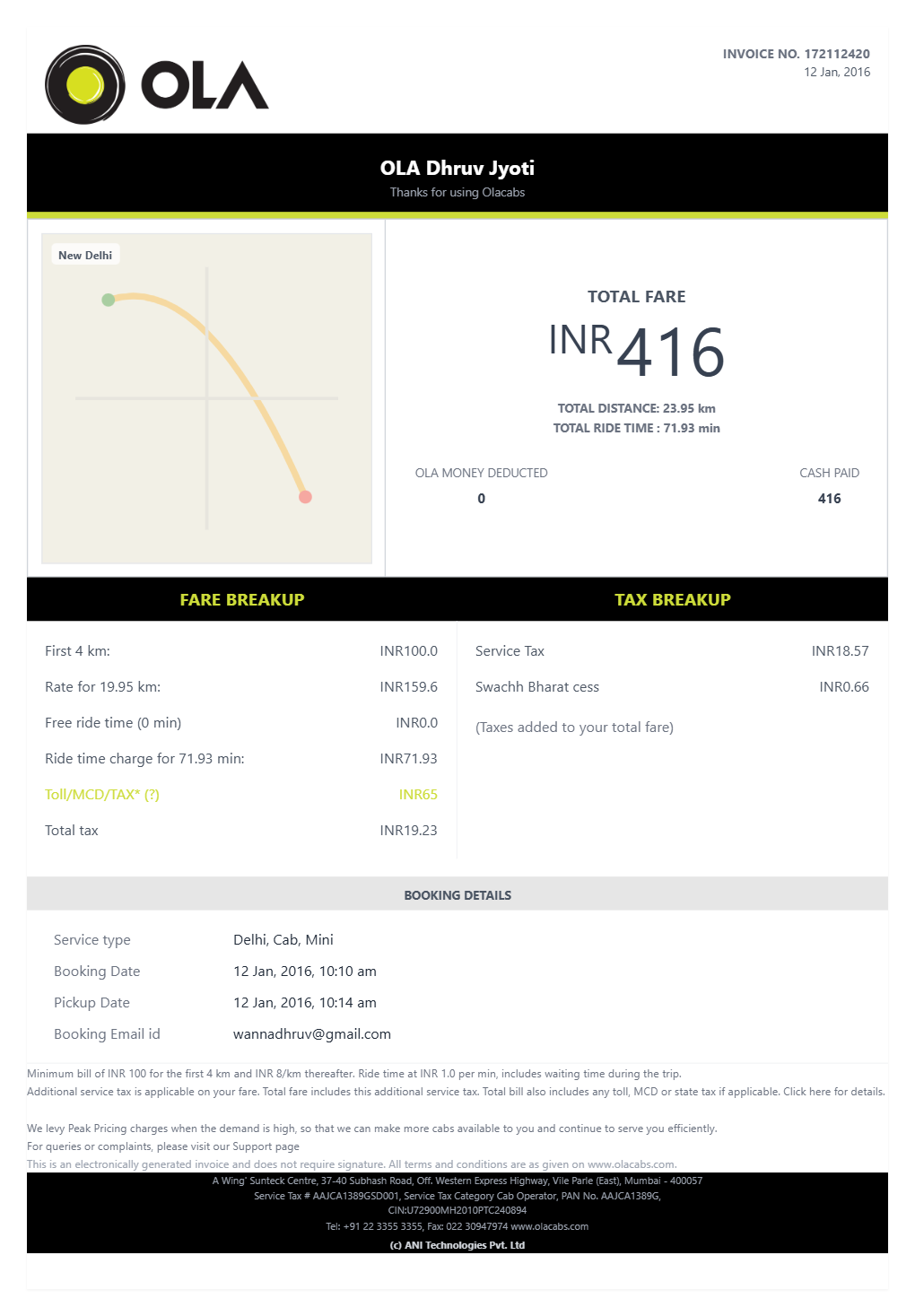
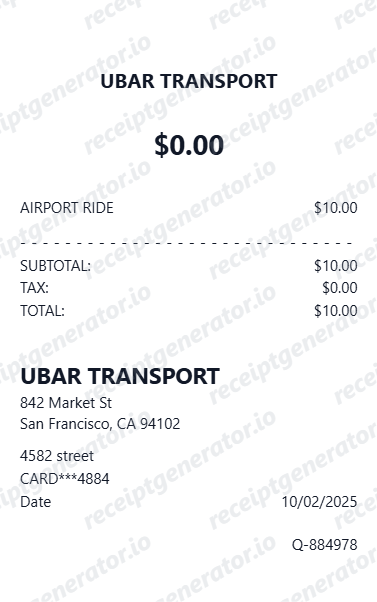
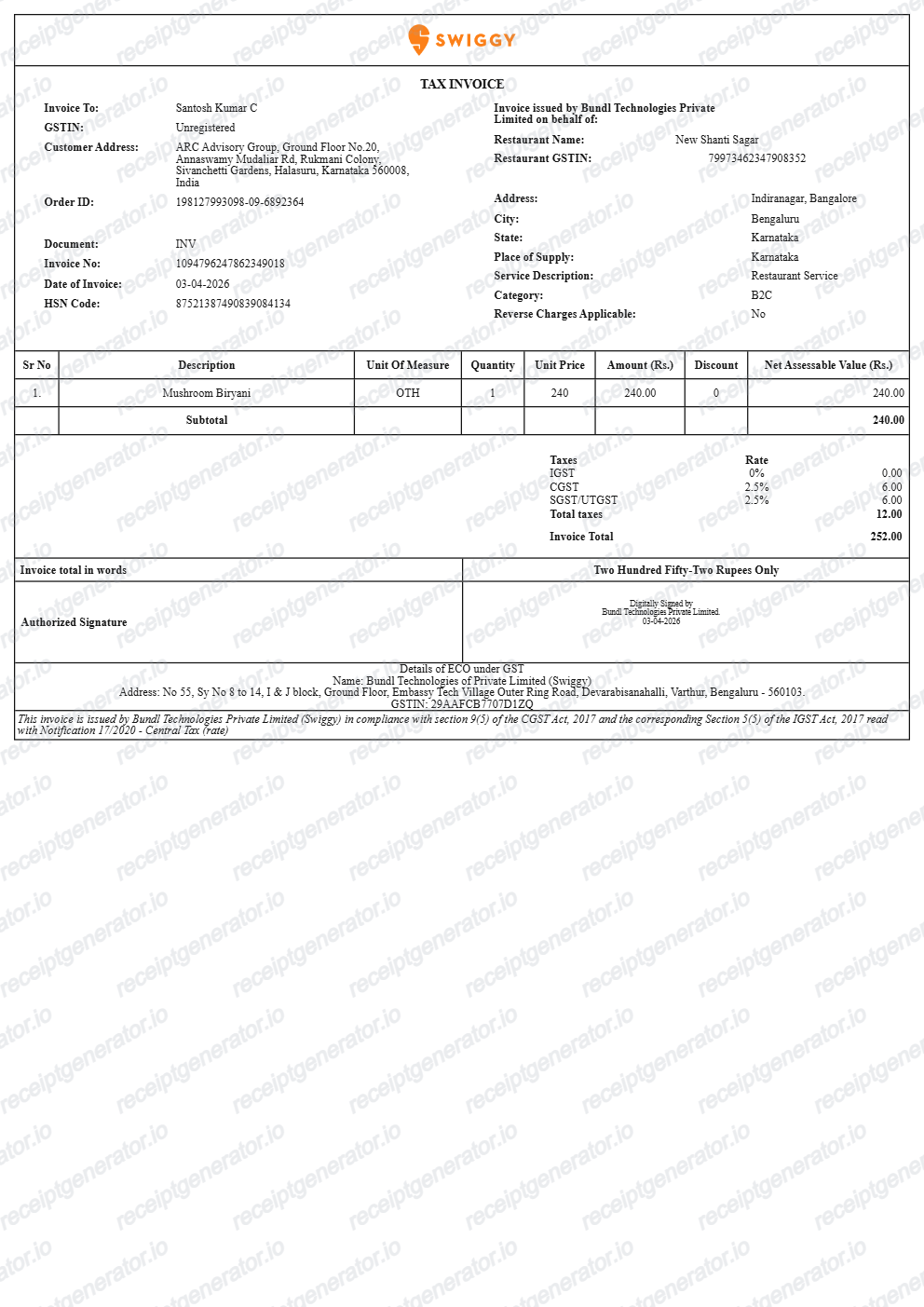
More free receipt templates for Indian cabs, bike-taxis, and ride-hailing services.
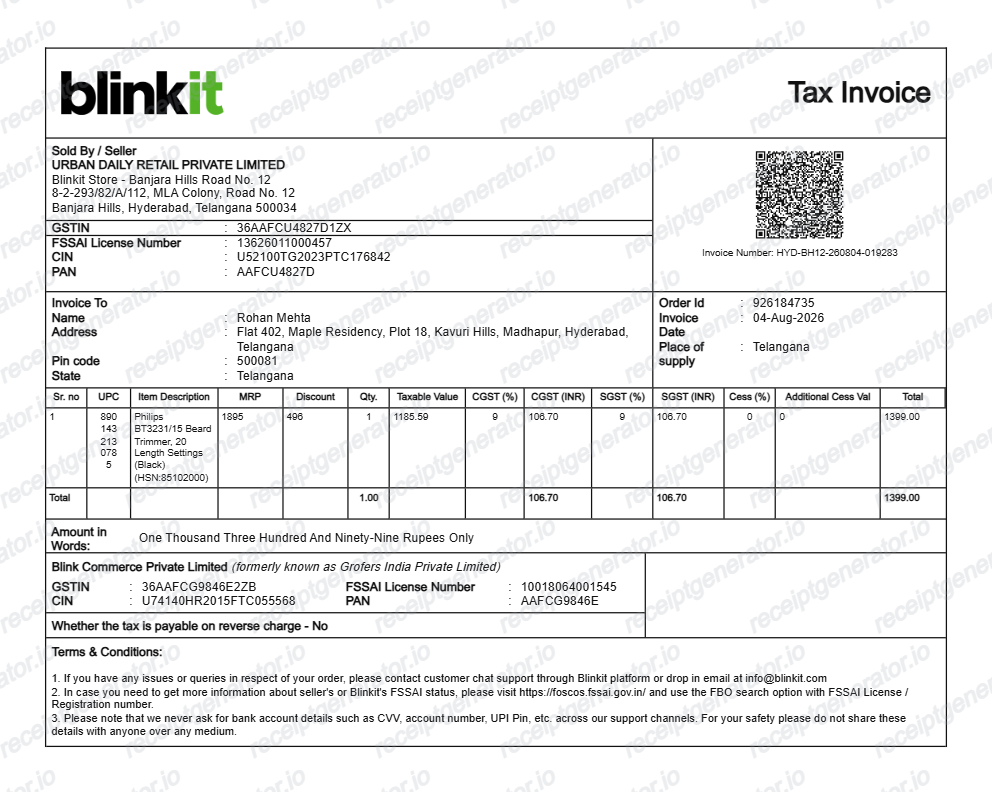
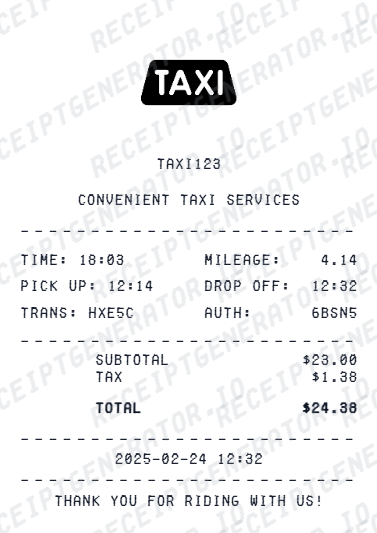
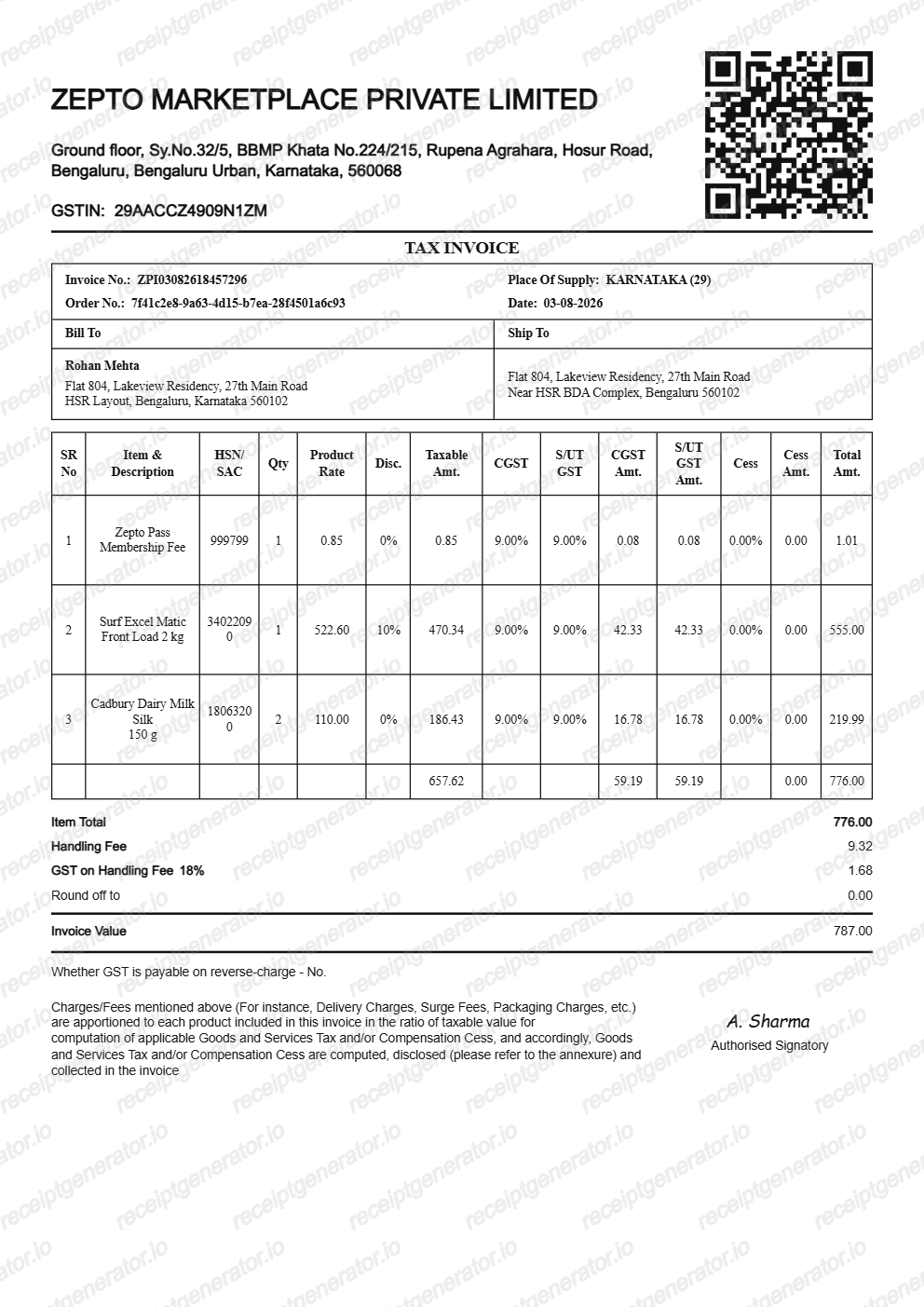
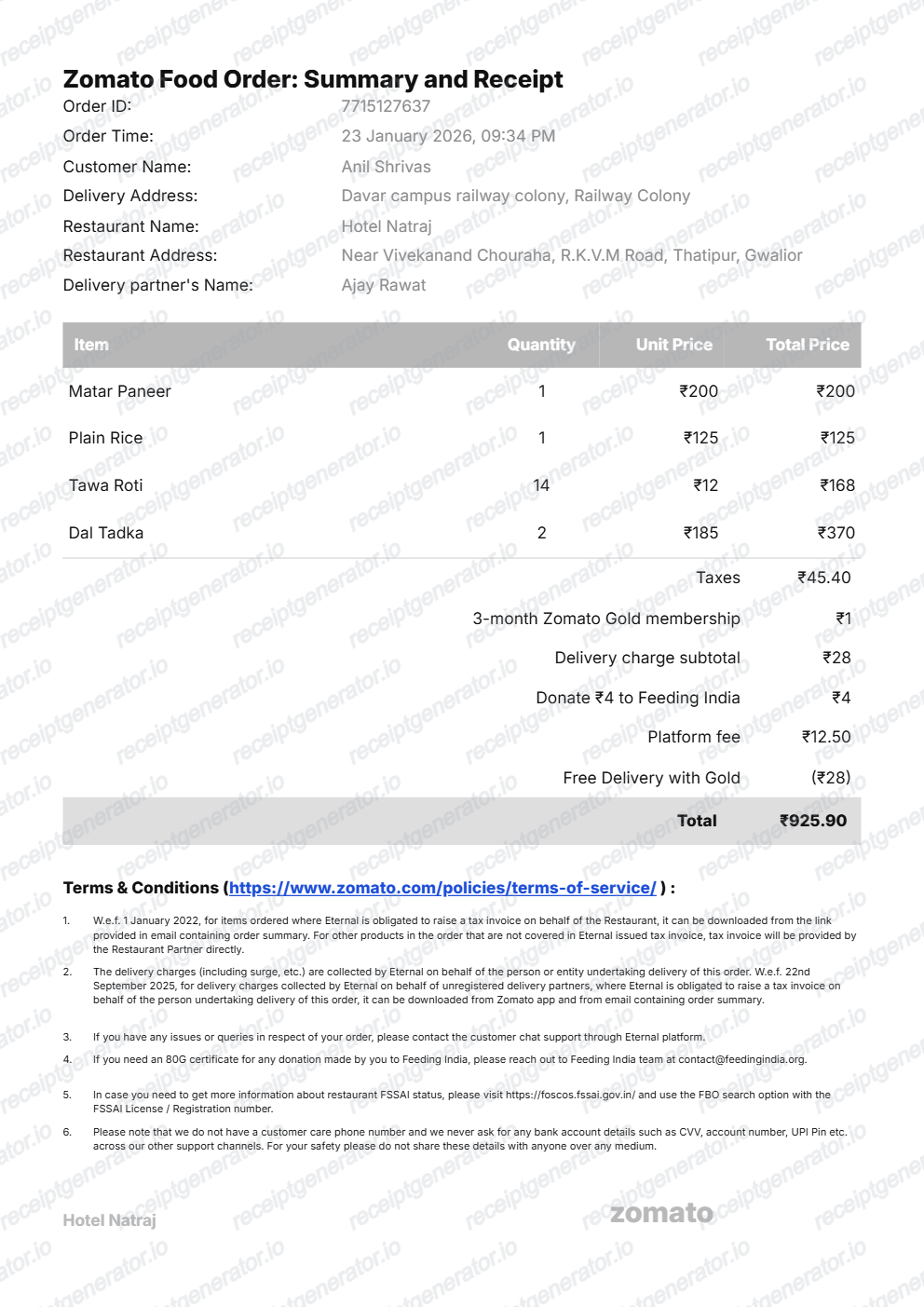
More India Receipt Templates
Browse our collection of receipt templates for various purposes.
Rapido Ride Receipt FAQ
Common questions about creating and downloading a Rapido-style ride receipt.
Open the Rapido generator, edit the details, line items, charges, taxes, and total, then preview and download as a PDF.
Yes — add pickup and drop locations, ride distance and time, base fare, and any surge or discount, matching Rapido's bill format.
Open the Rapido app, go to your ride history, select the trip, and request the invoice. Rapido emails the invoice to your registered address, from where you can download it as a PDF - there's no direct in-app download button.
Not necessarily. GST treatment for app-based passenger transport can differ between bike taxis/autos and air-conditioned cab rides in India, so a bike-taxi receipt may not carry the same GST line as a car ride. Check the invoice Rapido emails you for the exact tax treatment applied to that trip.
Both. You can use these templates for reimbursements, bookkeeping prep, and internal documentation workflows.
Yes — an itemized ride bill showing pickup, drop, distance, fare, and payment method is what expense teams need. Match the date and amount to your payment record.
Yes — set UPI, card, or cash to match how the ride was paid.
A real Rapido bike-taxi receipt shows the ride ID, captain's name and two-wheeler registration, pickup and drop-off points, distance and duration, a fare breakdown (base, distance, time, and platform fee), and the payment method - typically UPI for bike-taxi rides in India.
Add the store name, purchase date, line items, totals, tax, payment method, and any optional notes you need on your Rapido template.
This tool creates an editable Rapido style layout for documentation. It is not issued by the original merchant or brand system.
Receipt Generator · Receipt Maker · 300+ Free Templates
Create your Rapido receipt
Use the editable Rapido receipt generator to add routes, fares, vehicle numbers, and payment details, then export a clean PDF.